
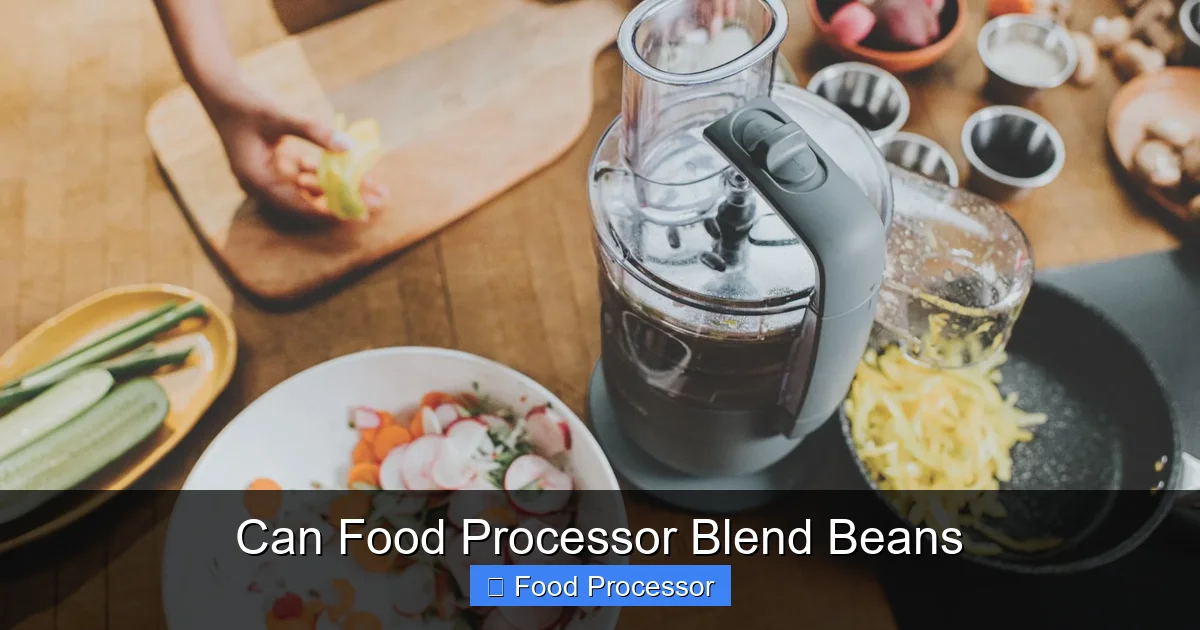
A food processor is an excellent tool for blending beans, transforming them into smooth purees, chunky dips, or even a base for bean burgers. This guide will walk you through the simple steps, from preparing your beans to achieving the perfect consistency, ensuring you get the most out of your kitchen appliance. Discover how to effortlessly create delicious, healthy bean-based dishes with ease using your food processor to blend beans effectively.
Can Food Processor Blend Beans?
Hello there, fellow home cooks! Have you ever wondered if that trusty food processor sitting on your counter can handle the task of blending beans? Perhaps you’re dreaming of homemade hummus, a creamy bean dip, or a batch of hearty veggie burgers. The good news is, absolutely yes! Your food processor is a fantastic tool for this very job.
In this comprehensive guide, we’re going to dive deep into how to seamlessly use your food processor to blend beans. We’ll cover everything from preparing your beans to troubleshooting common issues, ensuring you achieve perfect results every time. By the end of this article, you’ll be a pro at making delicious, bean-based creations with ease. So, let’s get blending!
Key Takeaways
- Yes, You Can Blend Beans: A food processor is perfectly capable of blending cooked beans into various consistencies, from coarse to super smooth, making it ideal for a wide range of recipes.
- Preparation is Key: Whether using dried or canned beans, ensure they are properly cooked and softened. Dry beans require soaking and thorough cooking, while canned beans just need a good rinse.
- Use the Right Blade and Technique: Always use the S-blade (chopping blade) for blending beans. Employ the pulse function initially to break down the beans, then switch to continuous processing, adding liquid gradually.
- Liquid is Essential for Smoothness: To achieve a creamy texture, add liquid (water, broth, or bean cooking liquid) one tablespoon at a time. This prevents the beans from seizing up and helps the food processor blend beans evenly.
- Don’t Overfill: Process beans in batches if you have a large quantity. Overfilling the food processor bowl can lead to uneven blending and strain the motor.
- Patience and Scraping: Achieving your desired consistency may take a few minutes. Regularly stop the processor and scrape down the sides of the bowl to ensure all beans are incorporated and blend smoothly.
- Versatility for Recipes: Blending beans in a food processor opens up a world of culinary possibilities, from classic hummus and bean dips to hearty vegetarian burgers and smooth, nutritious soup bases.
Why Blend Beans in a Food Processor?
Before we get into the “how,” let’s chat about the “why.” Why should you even consider using your food processor to blend beans?
A food processor offers several advantages:
- Efficiency: It’s quick! A food processor can break down beans much faster than manual mashing.
- Versatility: You can achieve a range of textures, from chunky to super smooth, making it perfect for various recipes.
- Consistency: The powerful blades ensure an even blend, without leaving large chunks behind.
- Homemade Goodness: Making your own bean blends allows you to control ingredients, reduce preservatives, and customize flavors.
- Cost-Effective: Buying dried beans and blending them yourself is often cheaper than buying pre-made dips or purees.
Common uses for blended beans include:
- Creamy hummus and other bean dips
- Smooth refried beans
- Thick and hearty vegetarian burgers or meatballs
- Nutrient-rich spreads for sandwiches
- Smooth soup bases
- Baked goods (yes, seriously!)
Understanding Your Food Processor for Blending Beans
To effectively use your food processor to blend beans, it helps to know a little about how it works, especially for this specific task.
The S-Blade is Your Best Friend
For blending, chopping, and pureeing tasks, you’ll always want to use the standard “S-blade” (also known as the chopping blade or universal blade). This blade is designed to rotate rapidly, cutting and circulating ingredients to create a uniform consistency.
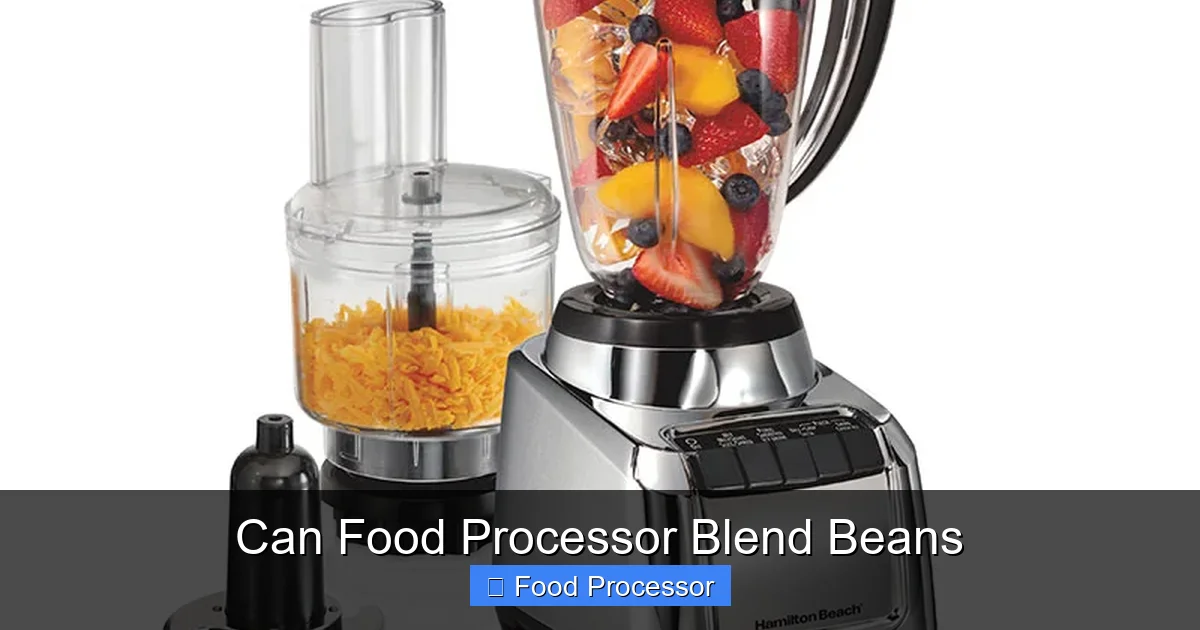
Visual guide about Can Food Processor Blend Beans
Image source: hamiltonbeach.com
Mastering the Settings: Pulse vs. Continuous
Your food processor likely has a “pulse” button and a “on/off” or “continuous” setting. Both are important when you food processor blend beans:
- Pulse: Use pulse for initial chopping and to get things started. It gives you short bursts of power, allowing you to control the consistency and prevent over-processing.
- Continuous: Once the beans are broken down, the continuous setting helps achieve a smoother, more even puree.
Capacity Matters
Food processors come in various sizes. If you have a large batch of beans, it’s always better to work in smaller batches. Overfilling the bowl can strain the motor, lead to uneven blending, and even cause spills. Refer to your food processor’s manual for its maximum liquid and dry ingredient capacities.
Preparing Your Beans for Blending
The success of using your food processor to blend beans largely depends on how well you prepare them.
For Dry Beans (e.g., Chickpeas, Black Beans, Navy Beans)
Dry beans need proper preparation to become soft enough for blending. Follow these steps:
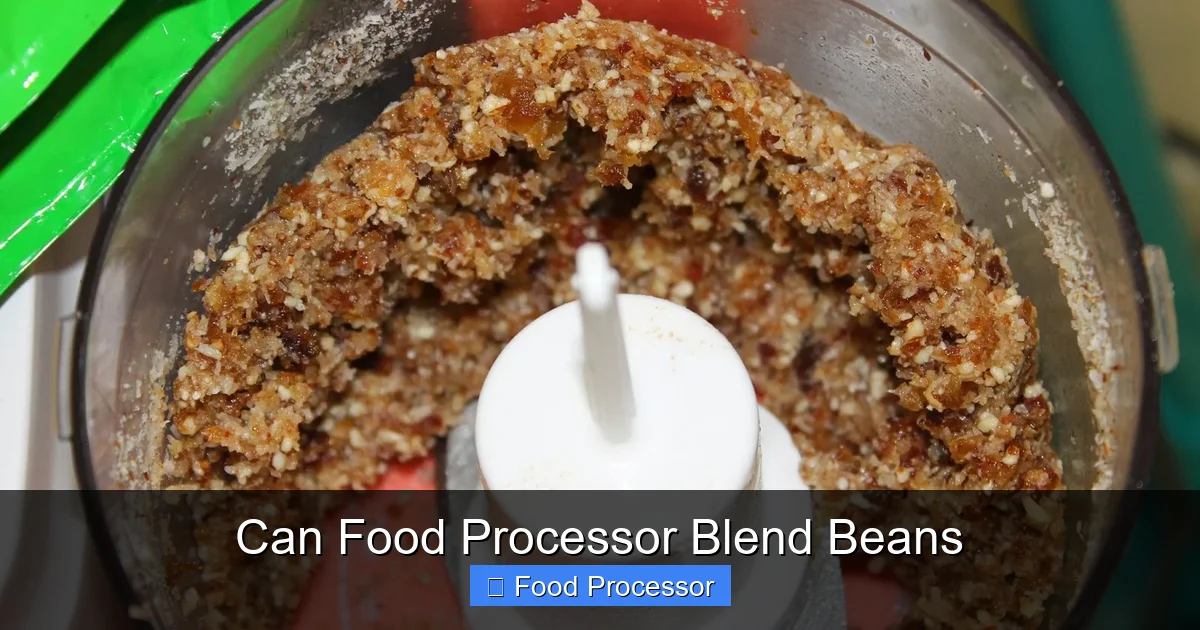
Visual guide about Can Food Processor Blend Beans
Image source: storables.com
- Soak: Always soak dry beans before cooking. This helps rehydrate them, reduces cooking time, and can make them easier to digest. There are two main methods:
- Overnight Soak: Place beans in a large bowl, cover with plenty of cold water (about 3 inches above the beans), and soak for 8-12 hours.
- Quick Soak: Place beans in a pot, cover with water (again, about 3 inches above), bring to a boil for 2-3 minutes, then remove from heat, cover, and let stand for 1 hour.
- Rinse: After soaking, drain the beans and rinse them thoroughly under cold running water.
- Cook: Cook the soaked and rinsed beans until they are very tender. This is crucial for a smooth blend. You can do this on the stovetop, in a pressure cooker, or in a slow cooker.
- Stovetop: Place beans in a large pot, cover with fresh water (again, about 3 inches above), bring to a boil, then reduce heat and simmer until tender. Cooking times vary by bean type but often range from 45 minutes to 2 hours.
- Pressure Cooker: Follow your appliance’s instructions for cooking beans. This is often the fastest method.
- Cool (Optional but Recommended): Allow the cooked beans to cool slightly before blending. While you can blend warm beans, very hot beans can create steam, which can build pressure in your food processor.
For Canned Beans (e.g., Canned Chickpeas, Black Beans)
Canned beans are already cooked and ready to go, making them a super convenient option for when you want your food processor to blend beans quickly. The main step here is:
- Rinse Thoroughly: Drain the beans from their canning liquid and rinse them very well under cold running water. This removes excess sodium and can improve the flavor and texture of your final product.
Step-by-Step Guide: How to Use Your Food Processor to Blend Beans
Now that your beans are perfectly prepped, let’s get to the fun part: blending!
Step 1: Gather Your Tools and Ingredients
You’ll need:
- Your food processor with the S-blade attached.
- Your cooked and prepared beans.
- Any additional liquids (water, vegetable broth, bean cooking liquid, olive oil, lemon juice) or seasonings you plan to add.
- A rubber spatula for scraping down the sides.
Step 2: Assemble Your Food Processor
Ensure your food processor bowl is clean and dry. Securely attach the S-blade onto the central post. Place the bowl onto the motor base, twisting to lock it into place if necessary.
If you’re unsure how to assemble it, you might find it helpful to look up how to assemble food processor step by step for your specific model.
Step 3: Add Beans and Initial Liquid
Carefully add your prepared beans to the food processor bowl. Remember not to overfill – aim for about two-thirds full if you have a larger quantity.
Start by adding a small amount of liquid. For example, if making hummus, you might add a couple of tablespoons of lemon juice or water. This initial liquid helps the blades catch and start processing the beans more easily. The key is to add liquid gradually. Many people wonder, can a food processor be used in place of a blender for tasks like this? While a blender excels at very smooth liquids, a food processor is often better for thick, paste-like consistencies and offers more control for textures like chunky dips.
Step 4: Start Blending with Pulses
Place the lid securely on the food processor bowl and lock it. Begin by using the “pulse” function in short bursts (1-2 seconds each). This helps break down the beans without turning them into mush immediately. Pulse for about 15-30 seconds, or until the beans are coarsely chopped.
Step 5: Switch to Continuous Processing and Add Liquid Gradually
Once the beans are somewhat broken down, switch to the “continuous” or “on” setting. Let the food processor run. As the beans process, you will notice them starting to clump up the sides of the bowl. This is normal.
Now, while the processor is running (or between pulses), slowly add more liquid through the feed tube, one tablespoon at a time. The amount of liquid you need will depend on the type of beans, how well they were cooked, and your desired consistency. Keep adding liquid until the mixture starts to move smoothly and evenly.
Step 6: Scrape Down the Sides
Periodically stop the food processor and remove the lid. Use your rubber spatula to scrape down any beans that have clung to the sides of the bowl or collected under the blade. This ensures all the beans get a chance to be processed evenly.
Step 7: Check Consistency and Continue Blending
After scraping, replace the lid and continue blending. Keep an eye on the consistency. For a smooth puree, you’ll need to blend longer and possibly add more liquid. For a chunky dip, you might stop earlier. Taste and adjust seasonings as you blend.
Remember that it’s crucial not to leave your food processor running continuously for too long without breaks, especially with thick mixtures like beans, to prevent overheating. If you’re curious about optimal run times, understanding how long can you leave a food processor running safely is a good idea.
Step 8: Final Touches
Once you’ve achieved your desired texture, turn off the food processor. Carefully remove the lid, then lift out the S-blade (be cautious, it’s sharp!). Use your spatula to transfer your perfectly blended beans to a serving dish or storage container.
Tips for Perfect Bean Blending
To ensure your food processor blend beans flawlessly every time, keep these practical tips in mind:
- Don’t Overfill: As mentioned, process in batches if you have a lot of beans. This ensures efficient blending and protects your appliance.
- Use the Pulse Function Smartly: Start with pulses to prevent over-processing and achieve better control over the texture.
- Add Liquid Gradually: Resist the urge to dump in a lot of liquid at once. A little at a time gives you control and helps achieve the perfect consistency without making your mixture too thin.
- Achieve Your Desired Texture: If you want a perfectly smooth hummus, blend longer and add more liquid. For a chunkier texture in a bean dip, stop blending earlier.
- Consider the Type of Bean: Some beans, like white beans, tend to be creamier when blended, while chickpeas might require a bit more liquid to get super smooth.
- Patience is Key: It might take a few minutes of pulsing, blending, and scraping to get the ideal consistency. Don’t rush the process.
- For specialty bean dishes: If you’re looking to create something specific like a base for moi-moi, remember that your food processor is up to the task. For Nigerian dishes, understanding can food processor grind beans for moi moi is a very common and practical question.
Troubleshooting Common Bean Blending Issues
Even with the best instructions, you might encounter a snag or two. Here’s how to troubleshoot:
Issue: Beans Not Blending Smoothly/Clumping
Solution: This usually means there isn’t enough liquid. Stop the processor, scrape down the sides, and add 1-2 tablespoons of liquid. Restart and continue blending, adding more liquid as needed. Ensure your beans were cooked until very tender; undercooked beans will never blend smoothly.
Issue: Food Processor Struggling or Making Loud Noises
Solution: You might have too many beans in the bowl or not enough liquid. Turn off the processor immediately. Remove some beans if it’s overfilled. Add a tablespoon or two of liquid. Allow the motor to cool down if it feels hot before restarting.
Issue: Uneven Consistency (some chunks, some smooth)
Solution: This is often due to not scraping down the sides frequently enough. Stop the processor, scrape everything down to the bottom, and redistribute the beans. You might also need to process in smaller batches if your food processor bowl is too full.
Issue: Mixture is Too Thin
Solution: Oops! You added too much liquid. Unfortunately, it’s hard to un-blend. You can try adding a handful of additional cooked beans (if available) to thicken it. Alternatively, embrace the thinner consistency and adjust your recipe to use it as a soup base or a thinner sauce.
Cleaning Your Food Processor After Blending Beans
Once you’ve successfully used your food processor to blend beans, cleaning up is next.
Most food processor parts (bowl, lid, blade) are dishwasher-safe, but always check your appliance’s manual to be sure. For quick cleaning:
- Unplug the base.
- Remove the blade carefully.
- Scrape out any remaining bean mixture.
- Wash the bowl, lid, and blade with warm, soapy water. Use a brush for hard-to-reach areas.
- Rinse thoroughly and allow to air dry, or dry with a cloth.
For more detailed information on cleaning, especially if you have a dishwasher, you might want to read can you put food processor parts in the dishwasher. This ensures you keep your appliance in top condition for many more blending adventures!
Conclusion
So, can a food processor blend beans? The answer is a resounding yes! Your food processor is an incredibly versatile appliance that makes preparing bean-based dishes simple and efficient. By following the steps outlined in this guide – from proper bean preparation to smart blending techniques and troubleshooting – you can effortlessly transform humble beans into delicious purees, dips, spreads, and more.
