
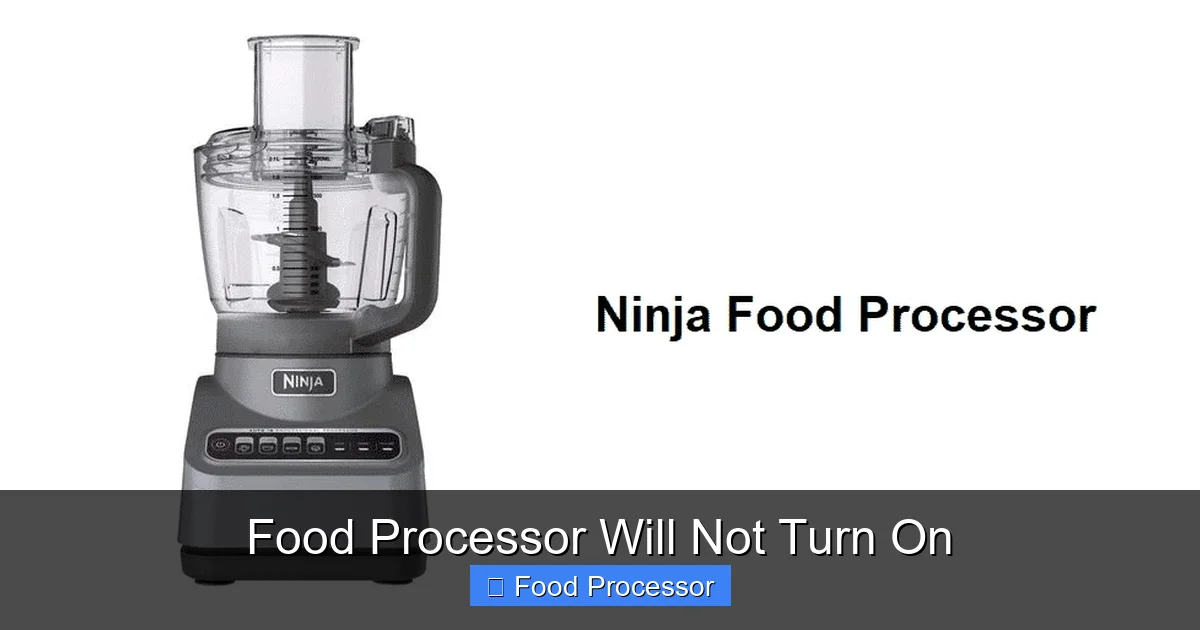
When your food processor will not turn on, it can be frustrating, but many common issues have simple solutions. This guide walks you through essential troubleshooting steps, starting with basic power checks and proper assembly to ensure your appliance is safely and correctly set up. You’ll learn how to identify and resolve problems like power cord damage, tripped circuit breakers, and misaligned components, empowering you to diagnose and potentially fix your food processor efficiently.
There’s nothing quite like gathering all your ingredients, eager to whip up a culinary masterpiece, only for your trusty food processor to sit there, silent and still. It can be incredibly frustrating when your food processor will not turn on. But don’t toss it out just yet! Many common issues preventing a food processor from starting are surprisingly simple to fix. This comprehensive guide will walk you through a series of troubleshooting steps, helping you diagnose the problem and hopefully get your appliance back in action. We’ll cover everything from basic power checks to intricate assembly issues, all explained in a friendly, easy-to-understand way.
By the end of this guide, you’ll be equipped with the knowledge to systematically identify why your food processor isn’t turning on and how to approach the repair. Let’s get started!
Key Takeaways
- Safety First: Always unplug your food processor before performing any checks or adjustments to prevent electrical shock or injury.
- Check the Power Source: Verify that the power cord is securely plugged into a working electrical outlet and that the circuit breaker hasn’t tripped.
- Proper Assembly is Crucial: Food processors have safety interlocks. Ensure the bowl, lid, and pusher are correctly aligned and locked into place for the appliance to function.
- Overload Protection: If the motor has been overused or overloaded, it might have an automatic shut-off to prevent damage. Give it time to cool down and reduce the load.
- Inspect for Obstructions: Check for any food debris or foreign objects that might be jamming the motor or blade mechanism.
- Consider a Reset: Some models have a manual reset button, or a full power cycle (unplugging and re-plugging) can resolve minor electronic glitches.
- When to Seek Help: If basic troubleshooting doesn’t work, or if you suspect internal damage, it’s best to consult a professional or consider replacement.
1. Safety First: Always Unplug Your Food Processor
Before you begin any troubleshooting, it is absolutely paramount to prioritize your safety. Whenever you are inspecting an electrical appliance, the first and most crucial step is to disconnect it from its power source.
Unplug the Appliance
Always reach for the plug and pull it directly from the wall outlet. Never pull by the cord itself, as this can damage the wiring inside. This simple action eliminates the risk of electrical shock or accidental activation while you are inspecting the components. You might think it’s obvious, but in the rush to fix things, this step can sometimes be overlooked. So, make it a habit: unplug first, always.
2. Check the Power Source and Cord
One of the most common reasons a food processor will not turn on is a simple power issue. Sometimes, the problem isn’t with the appliance itself, but with where it’s getting its power.
Visual guide about Food Processor Will Not Turn On
Image source: beautifulkitchenguide.com
Test the Electrical Outlet
Just because an outlet looks fine doesn’t mean it’s working. Electrical outlets can fail, or a circuit breaker might have tripped, cutting power to that specific outlet or even an entire section of your kitchen. To test the outlet:
- Plug in Another Appliance: Take another small appliance that you know works (like a phone charger or a lamp) and plug it into the same outlet where your food processor was connected. If the other appliance also doesn’t work, you’ve likely found your culprit: the outlet itself.
- Check Your Circuit Breaker: If the outlet is dead, head to your home’s electrical panel (usually in the basement, garage, or utility closet). Look for any circuit breakers that are “tripped” (often in an “off” or middle position). Flip the tripped breaker completely to the “off” position, then firmly back to the “on” position. Sometimes, resetting a breaker can restore power to your kitchen outlets.
- Try a Different Outlet: If the original outlet seems fine or you’ve reset the breaker, try plugging your food processor into a different, known-working outlet in another part of your kitchen or home. This helps confirm if the issue is specific to one outlet or broader.
Examine the Power Cord
The power cord is the lifeline of your food processor. Any damage here can prevent power from reaching the motor. Carefully inspect the entire length of the cord, from the plug to where it enters the food processor housing.
- Look for Visible Damage: Check for cuts, fraying, kinks, or pinched spots. Even a small nick in the insulation can interrupt the flow of electricity. Pay close attention to the areas near the plug and where the cord meets the appliance, as these are common stress points.
- Check the Plug Prongs: Ensure the prongs on the plug are straight, not bent or broken. A damaged prong might not make proper contact with the outlet, preventing the food processor from getting power.
- Feel for Heat: While the appliance is unplugged, gently feel the cord. If you’ve used the food processor recently and it failed, a very warm spot could indicate an internal short or damage. However, do NOT do this if the cord is visibly damaged.
If you find any damage to the power cord, it’s generally best not to attempt a repair yourself. Replacing the cord requires electrical expertise and specific parts. For safety, it’s often more practical and safer to seek professional repair or consider replacing the food processor if the cost of repair is prohibitive.
3. Inspect the Assembly and Safety Mechanisms
Food processors are designed with safety in mind, which means they won’t operate unless all components are correctly assembled and locked into place. This is a very common reason why your food processor will not turn on, even if it has power.
Visual guide about Food Processor Will Not Turn On
Image source: beautifulkitchenguide.com
Bowl and Lid Alignment
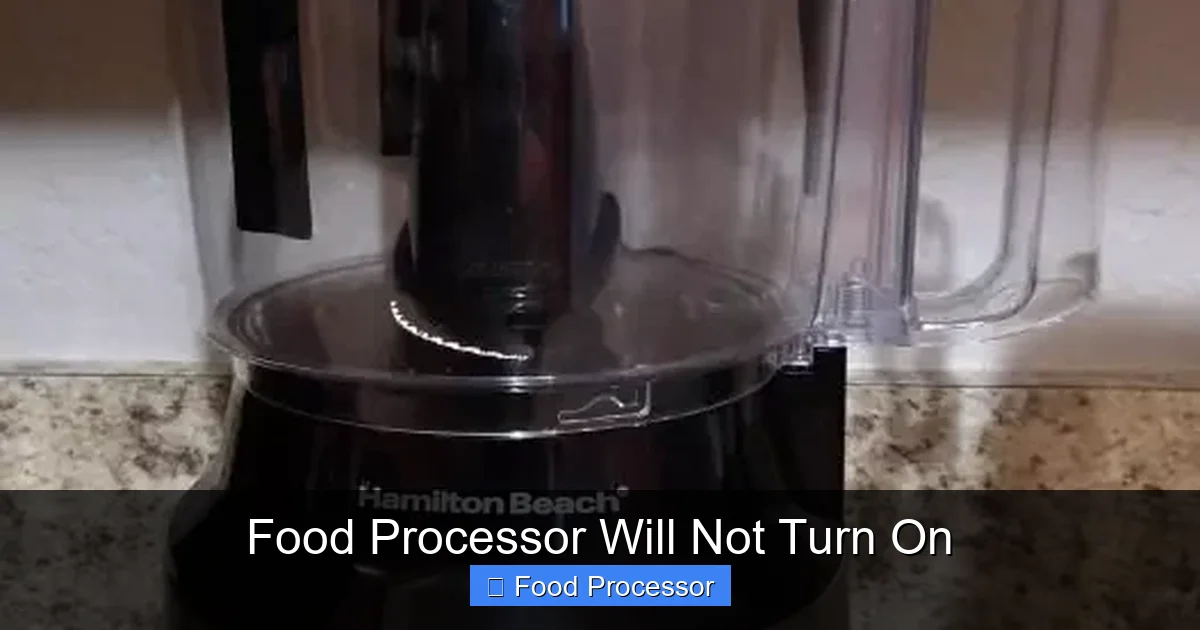
This is perhaps the most frequent culprit. Manufacturers incorporate safety interlocks that prevent the motor from engaging if the bowl and lid aren’t perfectly aligned and securely locked. Different brands and models have varying locking mechanisms, but the principle is the same.
- Check Bowl Placement: Ensure the processing bowl is fully seated on the motor base. It usually requires a twist-and-lock motion. Listen for a click or feel it snap into place. Make sure it’s not wobbly.
- Verify Lid Alignment: The lid also has to be positioned correctly and locked. There are usually arrows or indicators on the lid and the bowl/base that need to line up. Once aligned, twist the lid clockwise (or counter-clockwise, depending on the model) until it clicks securely into its locked position. If it’s not locked, the safety tab won’t engage the motor. Many people wonder how to assemble a food processor step-by-step, and proper alignment of these parts is critical.
- Pusher/Chute Engagement: Some food processors require the food pusher to be inserted into the feed chute before the motor will engage. Make sure it’s fully inserted. This is another common safety interlock.
Even a slight misalignment can prevent the internal safety switch from closing, meaning the food processor will not turn on. Remove the lid and bowl, then reassemble them carefully, ensuring each piece is firmly in its designated spot and locked.
Blade or Disc Placement
While less common than bowl/lid issues, improper blade or disc placement can also sometimes prevent operation or lead to a perception that the food processor will not turn on (when the motor runs, but nothing happens). Though usually, this results in the motor whirring but nothing spinning, it’s worth checking.
- Correct Attachment: Ensure the blade or disc is correctly attached to the central spindle. It should slide down easily and sit flat. Some blades have a specific orientation.
- No Obstructions: Check that there’s nothing underneath or around the blade that might be preventing it from seating properly or spinning freely. Sometimes, food debris can get lodged in the spindle mechanism. If your food processor blade is not spinning, even if the motor is running, it could indicate a related issue. For more detailed troubleshooting on this specific problem, you can explore resources that explain why is my food processor blade not spinning.
4. Address Overheating and Overload Protection
Modern food processors often come with built-in safety features to protect the motor from damage due to overheating or overloading. If your food processor suddenly stopped working mid-task, or if you were processing a particularly tough ingredient, this could be the reason.
Give it a Break
If the food processor has been running for a long time, processing very dense ingredients, or if the motor sounds strained, it might have overheated. Many models have a thermal cut-off switch that automatically shuts off the motor to prevent damage. This is a good thing!
- Unplug and Wait: Unplug the food processor and let it sit for at least 30 minutes to an hour. This allows the motor to cool down sufficiently.
- Clear Ventilation: Ensure that the motor base’s ventilation slots are not blocked by cloths, food, or other items. Proper airflow is essential for cooling.
Reduce the Load
Trying to process too much food at once, or very hard ingredients, can put excessive strain on the motor, leading to an overload situation.
- Process in Batches: If you’re working with a large quantity of food, break it down into smaller, more manageable batches.
- Cut Hard Ingredients: For dense items like hard cheeses, root vegetables, or frozen fruits, cut them into smaller pieces before adding them to the food processor. This reduces the initial strain on the motor.
- Don’t Force It: If the motor struggles, stop, remove some ingredients, and restart. Pushing it further will only exacerbate the issue and could trip the overload protection again or cause permanent damage.
After allowing it to cool and reducing the load, reassemble everything correctly (refer back to step 3), plug it in, and try turning it on again.
5. Examine the Motor and Internal Components
If all the external checks and power issues are ruled out, the problem might lie within the motor unit itself. While we won’t be disassembling the motor, there are still some observational checks you can perform.
Listen for Sounds
When you try to turn on the food processor, listen carefully. Do you hear anything at all?
- Complete Silence: If there’s absolute silence, no hum, no click, nothing, it points strongly to a power supply issue (cord, outlet, breaker) or a failed safety interlock that’s preventing the electrical circuit from closing. Revisit steps 2 and 3.
- Humming or Whirring: If you hear a hum or a faint whirring sound but the blade isn’t turning, it suggests the motor is getting power but is somehow jammed or unable to engage. This could be due to food lodged in the blade mechanism or a more serious mechanical failure.
Look for Obstructions or Damage
With the unit unplugged and the bowl/lid removed, carefully inspect the motor spindle and the area where the blade attaches.
- Food Debris: Look for any pieces of food that might have gotten stuck in the mechanism, preventing the spindle from rotating freely or the blade from seating properly. Clear any obstructions with a small brush or toothpick.
- Signs of Wear or Damage: Gently try to rotate the spindle by hand (with care, as some spindles are part of the blade assembly). It should move relatively freely. Look for broken plastic pieces, excessive wobble, or unusual stiffness. If you notice any significant damage, especially if components appear melted or burnt, it’s a strong indicator of internal motor failure.
6. Consider a Reset (If Applicable)
Sometimes, electronic glitches or a tripped safety feature can be resolved with a simple reset.
Manual Reset Button
Some heavy-duty or commercial-grade food processors, and even some higher-end residential models, may have a small red or black “reset” button located on the underside or back of the motor base. This button is usually designed to reset the thermal overload protector. If your food processor will not turn on and you suspect overheating, check for this button:
- Locate and Press: Unplug the unit, let it cool for at least 30 minutes, then press the reset button firmly.
- Re-test: After pressing the reset button, plug the food processor back in and try to operate it.
Power Cycle Reset (for electronic models)
For models with electronic controls or touchpads, a power cycle can sometimes clear minor software or sensor errors. Simply unplugging the unit for a few minutes (5-10 minutes is usually sufficient) and then plugging it back in can reset the internal electronics, much like restarting a computer.
7. Troubleshooting Specific Brands or Models
While the general troubleshooting steps apply to most food processors, some brands or specific models might have unique quirks or common failure points.
- Consult Your Manual: Always refer to your appliance’s user manual. It contains brand-specific troubleshooting tips, diagrams for proper assembly, and information on any unique safety features or reset procedures.
- Online Resources: A quick online search for “[Your Brand] food processor won’t turn on” can often yield forum discussions or specific troubleshooting guides relevant to your model. For instance, if you own a Cuisinart, you might find specific information by searching why is Cuisinart food processor not working, which can offer insights into common issues for that brand.
Be aware that some complex issues, especially with electronic components, might be beyond DIY repair.
8. When to Seek Professional Help or Replace
After going through all these steps, if your food processor still will not turn on, it might be time to consider professional repair or even replacement. Sometimes, the cost of repair can approach the cost of a new appliance.
- Internal Motor Failure: If the motor hums but doesn’t turn, or if there’s a burning smell, it often indicates a serious motor issue. These are complex and costly repairs.
- Damaged Electronics: If the control panel or buttons are unresponsive and a power cycle doesn’t help, there might be an electronic board failure.
- Major Component Breakage: If key plastic parts of the locking mechanism or spindle are broken, they might not be replaceable or worth the effort.
- Repair Cost vs. Replacement: Get an estimate for repair. If it’s more than 50% of the cost of a new, comparable food processor, it’s often more economical to invest in a new one. Remember, you might find comprehensive guides on how to fix a food processor that is not turning on, but these steps have their limits.
If you decide to replace your food processor, consider what features were important to you and perhaps look into models with stronger motors or better safety mechanisms for your next purchase.
Conclusion
It can certainly be frustrating when your food processor will not turn on, especially when you’re in the middle of preparing a meal. However, by systematically going through the troubleshooting steps outlined in this guide, you can often pinpoint and resolve the problem yourself. Remember to always prioritize safety by unplugging the appliance before any inspection. Most issues stem from basic power problems, improper assembly, or tripped safety features due to overheating or overloading.
We hope this comprehensive guide has empowered you to diagnose and potentially fix your food processor. With a little patience and careful attention to detail, you might just get your kitchen helper purring again in no time!
