
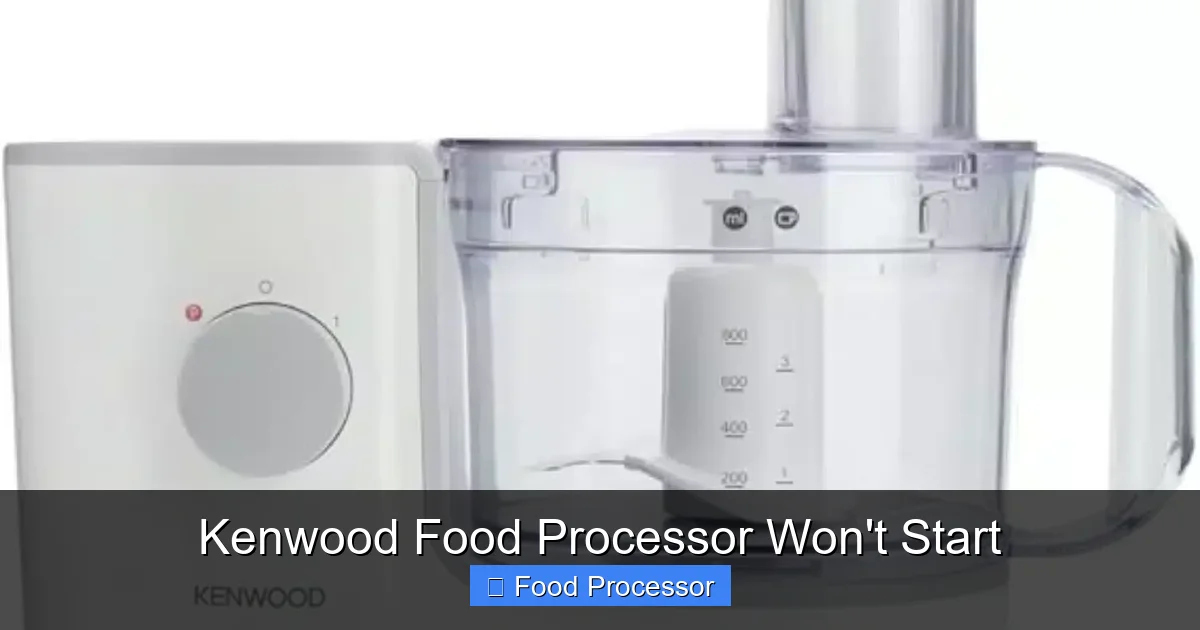
Encountering a Kenwood food processor that won’t start can be frustrating, but many common issues have simple solutions. Most problems stem from improper assembly or power supply issues, which prevent the built-in safety mechanisms from engaging. By systematically checking the power connection, lid and bowl interlocks, and blade seating, you can often quickly diagnose and resolve why your Kenwood food processor isn’t turning on.
There’s nothing quite as frustrating as being in the middle of preparing a delicious meal, only for your trusty Kenwood food processor to suddenly decide it’s not going to cooperate. You plug it in, flip the switch, and… nothing. No whirring, no chopping, just silence. A Kenwood food processor won’t start can halt your culinary plans right in their tracks.
Don’t despair! While it feels like a major problem, more often than not, the solution is surprisingly simple. Kenwood food processors are built with safety and durability in mind, which means they often have multiple mechanisms that need to be correctly engaged before the motor will kick into action. This comprehensive guide will walk you through a step-by-step troubleshooting process to help you identify why your Kenwood food processor isn’t turning on and, hopefully, get it back to blending and chopping in no time. We’ll cover everything from basic power checks to intricate safety interlocks, giving you the confidence to tackle these common issues yourself.
Key Takeaways
- Safety First: Always unplug your Kenwood food processor from the power source before attempting any troubleshooting or checking components to prevent electric shock.
- Check Power Supply: Verify that the power cord is securely plugged into a working outlet and that no circuit breakers have tripped. Test the outlet with another appliance if unsure.
- Master Safety Interlocks: The most common reason a Kenwood food processor won’t start is that the lid and/or bowl are not correctly locked into place. Ensure all components click securely.
- Proper Assembly is Crucial: Double-check that the processing bowl, blade/disc, and lid are assembled in the correct order and fully seated according to your specific Kenwood model’s instructions.
- Look for Overheating Protection: If your food processor was recently used for a long or heavy task, it might have activated its thermal cutoff. Allow it to cool down for 15-30 minutes before trying again.
- Listen for Motor Sounds: A humming sound without blade movement might indicate a jammed blade or motor issue, while no sound at all often points to power or interlock problems.
- When to Seek Professional Help: If you’ve tried all basic troubleshooting steps and your Kenwood food processor still won’t start, it might be time to contact Kenwood customer support or a qualified technician.
Step 1: Prioritize Safety – Always Unplug First!
Before you even think about touching any internal components or adjusting parts, your absolute first step is to ensure safety. This cannot be stressed enough.
Unplug Your Kenwood Food Processor
Immediately disconnect the power cord from the electrical outlet. This eliminates any risk of electric shock or accidental activation while you’re inspecting the appliance. It’s a simple, non-negotiable step that protects you from harm.
Always treat electrical appliances with respect, even when they appear to be non-functional. Safety first!
Step 2: Check the Power Supply
It might sound obvious, but a surprising number of appliance issues are rooted in a lack of power. Before diving into the mechanics of your Kenwood food processor, let’s ensure it’s actually receiving electricity.
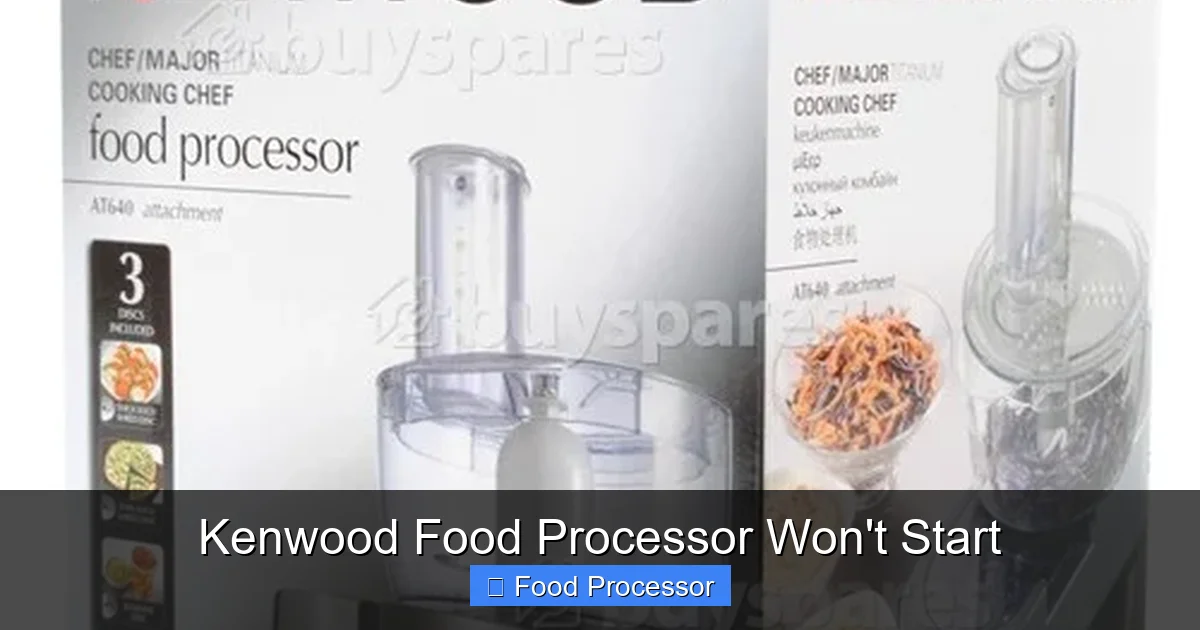
Visual guide about Kenwood Food Processor Won’t Start
Image source: res.cloudinary.com
Check the Power Cord
Is the power cord fully and securely plugged into a working wall outlet? Sometimes, a loose connection is all it takes for your Kenwood food processor won’t start. Give it a firm push to ensure it’s seated properly.
Test the Electrical Outlet
Sometimes the problem isn’t the appliance but the power source itself. Try plugging another small appliance, like a lamp or a phone charger, into the same outlet. If the other appliance also doesn’t work, you’ve found your culprit: the outlet is dead. This could be due to:
- Tripped Circuit Breaker: Head to your home’s electrical panel and check if any breakers are in the “off” or middle position. Flip it fully off, then back on.
- GFCI Outlet Tripped: If your outlet is a Ground Fault Circuit Interrupter (GFCI) outlet (often found in kitchens and bathrooms, identifiable by “Test” and “Reset” buttons), press the “Reset” button.
Once you’ve confirmed the outlet is working, plug your Kenwood food processor back in and try to start it. If it still doesn’t turn on, move to the next step.
Step 3: Master the Safety Interlocks – The Most Common Culprit
Kenwood food processors are designed with multiple safety features to prevent accidental operation, especially when sharp blades are involved. These “interlocks” must be perfectly engaged for the motor to receive power. This is the single most common reason a Kenwood food processor won’t start.
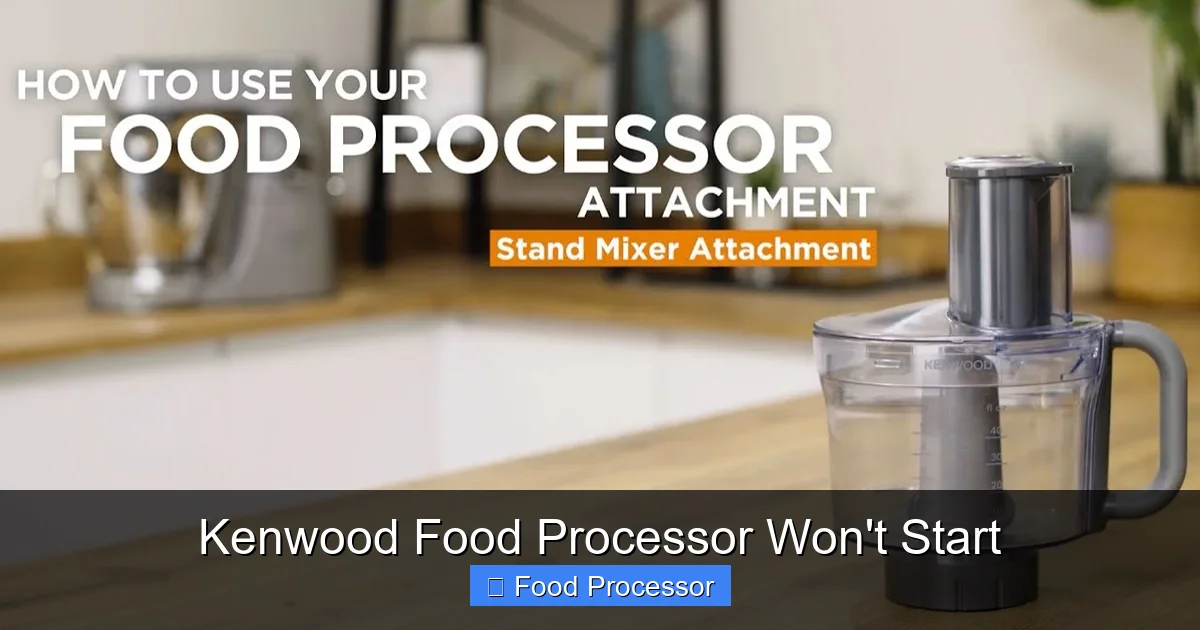
Visual guide about Kenwood Food Processor Won’t Start
Image source: i.ytimg.com
Ensure the Bowl is Correctly Seated and Locked
The processing bowl must be properly placed on the motor base and locked into position. On most Kenwood models, you’ll place the bowl on the base and then twist it clockwise until you hear a definitive click or feel it lock firmly. Look for alignment arrows or indicators on the bowl and base that show when it’s correctly aligned.
Tip: Sometimes food debris or liquid can prevent the bowl from seating correctly. Give the base and the bottom of the bowl a quick wipe to ensure no obstructions.
Verify the Lid is Securely Locked
Just like the bowl, the lid also has a crucial safety interlock. After placing the lid on the bowl, you usually need to twist it clockwise (or sometimes push it down firmly) until it locks into place. Again, listen for a click and check for alignment arrows. The feed tube on the lid often needs to align with a specific point on the handle or base.
Important: Some Kenwood models have an additional safety pin on the lid or a part of the feed tube that must fully engage with a sensor on the handle or base. Make sure this pin is not broken or bent.
Check Pusher Placement (If Applicable)
For some older or specific Kenwood models, the food pusher that fits into the feed tube of the lid also needs to be inserted to activate a final safety interlock. If your model has this feature, try inserting the pusher before attempting to start the appliance.
Understanding what to do if your food processor won’t turn on often boils down to these safety mechanisms.
Step 4: Confirm Proper Blade and Accessory Assembly
Beyond the bowl and lid, the internal accessories also need to be correctly placed. If a blade or disc isn’t seated properly, it can prevent the food processor from starting or operating effectively.
Properly Seat the Blade or Disc
Before placing the lid, ensure that the chosen blade or disc is securely attached to the drive shaft inside the bowl. It usually slides down onto a central spindle. Make sure it goes all the way down and is stable. If it’s wobbly or not fully engaged, the food processor might not start.
Example: For the main chopping blade, ensure it sits firmly on the drive shaft and doesn’t lift off easily. For slicing or shredding discs, they usually sit on a dedicated spindle or attachment above the main drive shaft. Refer to your Kenwood manual for exact assembly instructions, or check out our guide on how to assemble your food processor correctly.
Avoid Overloading the Bowl
While not strictly a startup issue, overloading can cause the motor to seize or prevent proper lid closure, which in turn stops the unit from starting. Make sure the bowl isn’t packed too full before you try to put the lid on and start processing.
Step 5: Address Potential Overheating Issues
Modern Kenwood food processors often include a thermal cutoff switch designed to prevent the motor from overheating. This is a crucial safety feature that protects the appliance from damage.
Allow for Cooling Time
If you’ve been using your Kenwood food processor for a heavy-duty task (like kneading dough or processing hard ingredients) or for an extended period, the motor might have gotten too hot. In this case, the thermal cutoff switch will automatically shut down the unit, preventing it from starting until it cools down.
Unplug the appliance and let it rest for at least 15-30 minutes. Once it has completely cooled, plug it back in, ensure all interlocks are engaged, and try starting it again.
Tip: Always adhere to the recommended operating times and duty cycles mentioned in your Kenwood instruction manual. Pushing the motor too hard can trigger this safety feature.
Step 6: Listen to the Motor – What Sounds Do You Hear?
The sounds (or lack thereof) coming from your Kenwood food processor can provide valuable clues about the problem.
No Sound At All
If you press the power button and hear absolutely nothing, it almost certainly points to one of the following:
- Power supply issue (Steps 1 & 2)
- Safety interlock issue (Step 3)
- A completely dead motor or internal wiring fault.
If you’ve ruled out the power and interlocks, then it’s likely an internal electrical problem requiring professional attention.
A Humming Sound, But No Blade Movement
If you hear a low hum when you try to start the Kenwood food processor, but the blades aren’t spinning, this usually indicates the motor is receiving power but cannot turn the drive shaft. This could be due to:
- Jammed Blade: Food might be stuck under the blade, preventing it from rotating. Unplug, carefully remove the blade, and clear any obstructions.
- Overload: Too much food in the bowl can bog down the motor. Remove some ingredients and try again.
- Worn Drive Coupling: The coupling that connects the motor to the blade assembly might be stripped or damaged. This would require replacement parts.
- Motor Issues: The motor itself might be failing, struggling to generate enough torque. This is a more serious internal issue. For more details, you might want to look into why your food processor blade might not be spinning.
Burning Smell or Smoke
If you detect a burning smell or see smoke, immediately unplug the food processor. This is a sign of a serious electrical problem, such as a burnt-out motor or wiring. Do not attempt to use the appliance again. It poses a fire hazard and needs professional repair or replacement. This is a clear indicator that your food processor stopped working due to a critical internal failure.
Step 7: Inspect for Visible Damage
A quick visual inspection can sometimes reveal obvious issues.
Check the Power Cord for Damage
Examine the entire length of the power cord for any cuts, frayed wires, or kinks. A damaged cord can prevent power from reaching the motor. If you find any damage, the cord will need to be replaced by a qualified technician, or the appliance should be replaced.
Inspect the Bowl, Lid, and Base for Cracks
Even small cracks, especially around the interlock mechanisms, can compromise the safety switch system. If the plastic is cracked or broken where the bowl or lid engages, the interlock might not activate correctly, preventing your Kenwood food processor from starting.
Examine the Drive Shaft
On the motor base, check the drive shaft (the central spindle the blade fits onto). Does it appear bent, broken, or stripped? If it’s damaged, it won’t be able to turn the blade, and the unit might not start as a protective measure.
Step 8: Consult Your Kenwood Manual and Warranty
Your specific Kenwood model will have a detailed user manual. This document is invaluable. It contains precise assembly instructions, troubleshooting tips unique to your model, and information about the warranty.
Review Your Instruction Manual
Go through the troubleshooting section of your manual. It might have specific advice for when your Kenwood food processor won’t start. Ensure you are assembling everything exactly as prescribed by the manufacturer.
Check Warranty Information
If your Kenwood food processor is still under warranty, attempting repairs yourself might void it. It’s often best to contact Kenwood customer support directly. They can guide you through further troubleshooting or arrange for repair or replacement.
Step 9: When to Seek Professional Help or Consider Replacement
You’ve tried everything in this guide, and your Kenwood food processor still won’t start. What’s next?
Contact Kenwood Customer Support
If your food processor is relatively new or still under warranty, contact Kenwood’s customer service. Provide them with a clear description of the problem and the steps you’ve already taken. They can offer further troubleshooting, recommend authorized service centers, or discuss warranty options.
Consider Professional Repair
For older models, you might consider taking it to an appliance repair shop. However, weigh the cost of repair against the cost of a new food processor. Sometimes, parts and labor can quickly add up, making a replacement a more economical choice.
Evaluate for Replacement
If the food processor is old, frequently used, or showing multiple signs of wear and tear beyond just not starting, it might be time for an upgrade. Modern food processors often boast improved features, efficiency, and durability. Before you make a purchase, consider what to consider when buying a food processor to ensure you get the best fit for your needs.
Conclusion
Having your Kenwood food processor won’t start is undoubtedly inconvenient, but as you’ve seen, many common issues have straightforward solutions. By methodically working through power checks, safety interlock confirmations, and proper assembly verification, you can often bring your appliance back to life without needing professional help. Remember to always prioritize safety by unplugging the unit before any inspection or adjustment. We hope this guide has empowered you to diagnose and fix the problem, getting you back to effortless food preparation with your reliable Kenwood food processor!
