
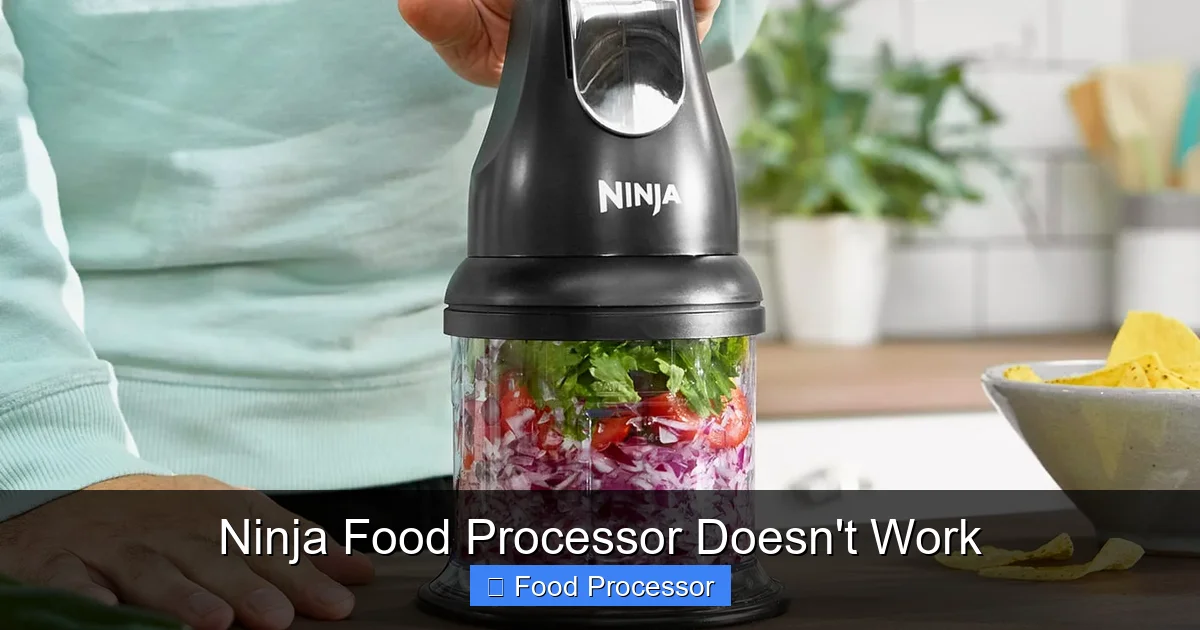
It’s frustrating when your Ninja food processor doesn’t work, especially mid-recipe. This guide offers a complete troubleshooting walkthrough, helping you identify and fix common problems like power issues, incorrect assembly, or motor overload. You’ll learn simple steps to get your appliance chopping, slicing, and pureeing again, often without needing professional repair or replacement.
Ninja Food Processor Doesn’t Work
There are few things more frustrating in the kitchen than reaching for your trusty Ninja food processor, flipping the switch, and… nothing happens. Or maybe it hums but doesn’t spin, or perhaps it just suddenly stopped mid-task. Don’t panic! Most issues with a Ninja food processor not working can be solved with a bit of systematic troubleshooting. You don’t always need a repair person or a brand-new appliance.
In this comprehensive guide, we’ll walk you through every common reason why your Ninja food processor might be refusing to cooperate. We’ll cover everything from simple power checks to intricate assembly issues, overload protection, and even what to do if the blade isn’t spinning. Our goal is to empower you to diagnose and fix the problem yourself, getting your kitchen helper back in action quickly and efficiently. Let’s get started and turn that kitchen frustration into a win!
Key Takeaways
- Safety First: Always unplug your Ninja food processor before troubleshooting or making any adjustments to prevent electric shock.
- Check Power & Connections: Verify the unit is properly plugged into a functional outlet and inspect the power cord for damage.
- Ensure Correct Assembly: Ninja food processors have safety interlocks. Make sure the bowl, lid, and blade are perfectly aligned and securely locked into place.
- Reset Overload Protection: If the motor overheats or is overloaded, it might automatically shut off. Unplug it, let it cool for 15-30 minutes, and then try again.
- Inspect Blade & Spindle: Check for any food debris obstructing the blade or spindle, and ensure the blade is correctly seated.
- Consult the Manual: Your Ninja food processor’s user manual often contains specific troubleshooting tips unique to your model.
- Consider Professional Help: If basic troubleshooting fails, and the unit is under warranty, contact Ninja customer support before attempting complex repairs.
Safety First! Always Unplug Your Appliance
Before you touch anything inside your Ninja food processor or start wiggling wires, the very first and most important step is always to ensure the unit is unplugged from the wall outlet. Electrical appliances can pose a shock hazard if not handled correctly. Safety is paramount when dealing with any electrical device, especially one with sharp blades. Once unplugged, you can proceed with confidence, knowing you’ve minimized any risk.
Step 1: Check Power Supply and Connections
It might seem obvious, but a surprising number of “broken” appliances are simply not receiving power. This is the easiest place to start your troubleshooting journey.
Is it Plugged In?
First things first: double-check that your Ninja food processor is securely plugged into a live electrical outlet. Sometimes, in the rush of kitchen activities, a plug can become loose or not fully inserted. Ensure it’s pushed all the way in.
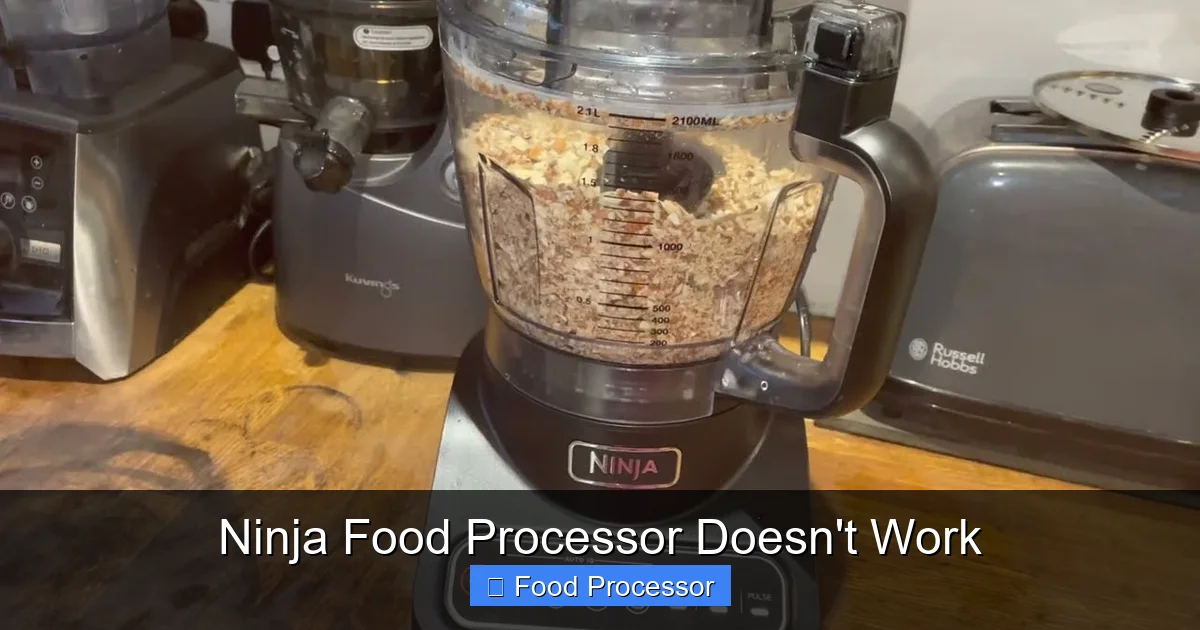
Visual guide about Ninja Food Processor Doesn’t Work
Image source: i.ytimg.com
Test the Outlet
Don’t assume your outlet is working just because it’s there. Electrical outlets can malfunction. To test it, plug another small appliance, like a lamp or a phone charger, into the same outlet your food processor usually uses. If the other appliance also doesn’t work, you’ve found your culprit: a dead outlet. Try plugging your Ninja food processor into a different, known-working outlet in your kitchen.
Check the Power Cord
Visually inspect the power cord of your Ninja food processor. Look for any signs of damage such as cuts, fraying, kinks, or pinched areas. A damaged cord can prevent power from reaching the motor. If you find any damage, do not attempt to use the appliance, as it could be a fire hazard. A damaged cord often means you’ll need a replacement unit or professional repair, as cords are usually integrated.
Reset the Breaker
If you suspect the outlet is the issue, it might be due to a tripped circuit breaker. Go to your home’s electrical panel and look for a breaker that is in the “off” position or midway between “on” and “off.” Flip it fully to the “off” position, and then back to “on.” If the breaker trips immediately again, you might have a short circuit in the appliance or an overloaded circuit, which would require professional attention. However, if it stays on, try your food processor again.
Step 2: Ensure Proper Assembly and Locking Mechanisms
Ninja food processors, like many modern appliances, come with safety interlock features. These are designed to prevent the unit from operating if all components aren’t correctly assembled and locked into place. This is a very common reason why your Ninja food processor might not work, even if it has power. For a general guide on getting your appliance ready, you might find it helpful to review how to assemble a food processor step-by-step.
The Bowl
Make sure the processing bowl is securely seated on the motor base. There are usually markings or arrows that need to align. Twist the bowl clockwise until you hear a click or feel it lock firmly into place. If the bowl isn’t correctly seated, the safety interlock will prevent the motor from engaging.
Visual guide about Ninja Food Processor Doesn’t Work
Image source: i.ytimg.com
The Lid
The lid is perhaps the most frequent culprit for non-starting food processors. It must be placed on the bowl and twisted until it locks. Many Ninja models have a handle on the lid that needs to align with a specific point on the bowl or motor base. Look for indicator arrows or symbols. The lid’s locking mechanism often activates a small pin or sensor that tells the motor it’s safe to start. If it’s even slightly off, your Ninja food processor won’t work.
The Blade/Disc
Ensure the blade assembly or a slicing/shredding disc is correctly inserted onto the spindle inside the bowl. The blade should drop freely onto the spindle and sit firmly at the bottom of the bowl. If it’s wobbly or not fully seated, it can prevent the lid from locking properly or even obstruct the motor’s operation. Some Ninja models have a stacked blade system, so ensure all blades are correctly inserted if applicable.
The Motor Base
While less common, sometimes the motor base itself might have an issue with its contact points. Ensure no food debris is lodged in the crevices where the bowl connects to the base, as this can impede proper connection.
Interlock System Explained
Understanding the interlock system is key. It’s a series of safety switches that must all be engaged for the appliance to turn on. Think of it as a chain: the plug, the outlet, the cord, the motor base, the bowl, the blade, and finally, the lid. If any link in this chain isn’t properly connected or engaged, your Ninja food processor won’t work. Take your time, disassemble everything, and then reassemble it carefully, paying close attention to the clicks and alignments.
Step 3: Overload Protection and Motor Reset
Ninja food processors are powerful, but they’re also designed with safety features to prevent damage from overuse or excessive loads. One common feature is overload protection. If your food processor stopped working mid-task or after processing tough ingredients, this is likely the issue. This is a common reason for a food processor to stop working; for more general advice on this, check out our guide on how to fix a food processor that stopped working.
What is Overload Protection?
Overload protection is a built-in safety mechanism that automatically shuts off the motor if it detects it’s drawing too much power. This can happen if you’re trying to process ingredients that are too hard, too dense, or if you’ve simply put too much in the bowl. It prevents the motor from overheating and burning out.
How to Reset Your Ninja Food Processor
If you suspect overload protection has been triggered, follow these steps:
- Unplug the Unit: Always unplug the food processor from the wall outlet.
- Remove Contents: Carefully remove the lid, blade, and any ingredients from the processing bowl.
- Allow to Cool: Let the motor base cool down for at least 15 to 30 minutes. The motor needs time to dissipate the heat. Some models might have a specific reset button, but generally, unplugging and cooling is sufficient.
- Reduce Load: If you were processing a large or tough batch, reduce the quantity of ingredients for your next attempt. Cut hard ingredients into smaller pieces.
- Reassemble and Try Again: Once cool, reassemble the food processor correctly (refer to Step 2) and try turning it on with a lighter load.
Avoid Overloading
To prevent future overload issues, always adhere to the maximum fill lines indicated on your Ninja food processor’s bowl. Process tough ingredients in smaller batches. Cut large or hard items (like raw carrots, dense cheeses, or nuts) into 1-inch pieces or smaller before processing. Pushing your food processor beyond its limits can not only trigger the overload protection but also shorten its lifespan.
Step 4: Inspect the Blade and Spindle
Even if the motor seems to be working, if the blade isn’t spinning, your Ninja food processor isn’t going to be much help. A common related problem to investigate is why your food processor blade is not spinning, which often links back to these points.
Blade Condition
Carefully remove the blade assembly (remember to unplug first!). Inspect the blades for any damage, such as bends, cracks, or dullness. While damage might not stop the motor, a bent blade can cause imbalance or prevent proper seating, which could interfere with the safety interlocks or efficient operation. Also, check the plastic housing or connector at the base of the blade for cracks or wear that might prevent it from engaging correctly with the spindle.
Spindle Alignment
The spindle is the rod in the center of the motor base that the blade attaches to. Ensure it’s clean and free of debris. Check if it appears bent or damaged. If the spindle itself is compromised, the blade won’t be able to rotate properly or connect securely, thus preventing your Ninja food processor from working as intended.
Debris Obstruction
Sometimes, tiny pieces of food can get lodged in the mechanism where the blade connects to the spindle, or where the spindle meets the motor base. Even a small piece of hardened food can create enough obstruction to prevent the blade from spinning or the interlock system from engaging. Clean these areas thoroughly with a small brush or a toothpick.
Step 5: Review the User Manual
Your Ninja food processor’s user manual is an invaluable resource. It contains specific information about your model that generic troubleshooting guides might miss.
Specific Model Troubleshooting
Every Ninja model can have slight variations in its assembly, safety features, and troubleshooting tips. Your manual will have diagrams showing correct assembly and usually includes a dedicated troubleshooting section for common problems. This section often lists error codes or specific indicators if your model has them.
Warranty Information
The manual also contains crucial warranty information. If your Ninja food processor still doesn’t work after exhausting all troubleshooting steps, and it’s still under warranty, contacting Ninja customer support with the information from your manual (model number, serial number) will be your next best step. Do not attempt to open the motor housing or perform complex repairs yourself, as this will almost certainly void your warranty.
Step 6: Cleaning and Maintenance
Sometimes, the simplest solutions are the most effective. Good cleaning and regular maintenance can prevent many common food processor problems.
Regular Cleaning
After every use, thoroughly clean all detachable parts of your Ninja food processor. This prevents food residue from drying and hardening, which can lead to blockages or affect the precise fit required for the safety interlocks.
Food Debris Build-up
Pay special attention to the nooks and crannies around the motor base, inside the bowl’s locking mechanism, and under the lid’s locking tabs. Small pieces of food can build up over time, creating a sticky residue that prevents components from seating or locking correctly. Use a damp cloth and mild soap, ensuring all parts are completely dry before reassembly.
Troubleshooting Advanced Issues (If Still Not Working)
If you’ve gone through all the basic checks and your Ninja food processor still doesn’t work, it might be time to consider slightly more involved issues.
Motor Issues (Burning Smell, No Sound)
- No Sound, No Movement: If there’s no sound or movement at all, even after checking power and assembly, the motor itself might be dead, or there could be an internal wiring fault. This is typically not user-repairable.
- Burning Smell: A burning smell indicates serious motor damage, likely due to overheating or an electrical fault. Stop using the appliance immediately, unplug it, and do not attempt to use it again. This definitely requires professional assessment or replacement.
- Humming but No Spinning: If you hear a humming sound but the blade isn’t spinning, it could mean the motor is trying to work but is jammed, or the coupling between the motor and the blade spindle is stripped or broken. Check for obstructions again (Step 4). If clear, this is a mechanical failure that usually requires service.
Button Malfunctions
If your Ninja food processor has multiple speed settings or specific function buttons, try pressing each one. If only one button isn’t working, it could be a faulty switch. If no buttons respond, it points back to a general power issue or a complete failure of the control panel.
Specialized Attachments (e.g., Dough Blades)
If you’re using specialized attachments like dough blades, ensure they are compatible with your specific Ninja model and correctly inserted. Sometimes, using an incorrect attachment or one that isn’t fully seated can trigger safety mechanisms.
When to Consider Professional Help or Replacement
After systematically troubleshooting all the common issues, if your Ninja food processor still doesn’t work, it’s time to weigh your options.
Contact Ninja Support
If your unit is still under warranty, your first course of action should be to contact Ninja customer support. Provide them with your model number, serial number, and a detailed description of the problem and the steps you’ve already taken. They can guide you through further troubleshooting or arrange for repair or replacement.
Warranty Coverage
Check your purchase date and your user manual for warranty details. Many Ninja products come with a limited warranty (often 1-5 years). Repairs or replacements under warranty can save you significant costs.
Replacement Options
If your Ninja food processor is out of warranty and the repair cost is high, or if it’s an older model, consider replacing it. Sometimes, buying a new unit is more cost-effective than repairing an old one, especially for internal motor issues. If you find yourself needing to prepare food but don’t have a food processor available, there are always alternative methods to achieve similar results, though perhaps with a bit more elbow grease.
Conclusion
It’s truly frustrating when your Ninja food processor doesn’t work, bringing your kitchen tasks to a halt. However, by systematically going through the troubleshooting steps outlined in this guide—from checking the power supply and ensuring correct assembly to understanding overload protection and inspecting components—you can often resolve the issue yourself.
Remember to prioritize safety by always unplugging the unit before inspection. Most problems stem from simple oversight like improper assembly or a tripped overload switch. If, after all your efforts, your trusty Ninja still refuses to cooperate, consulting the user manual, contacting customer support, or considering a replacement are your next logical steps. Here’s to getting your food processor back in action and making your kitchen adventures smoother!
