
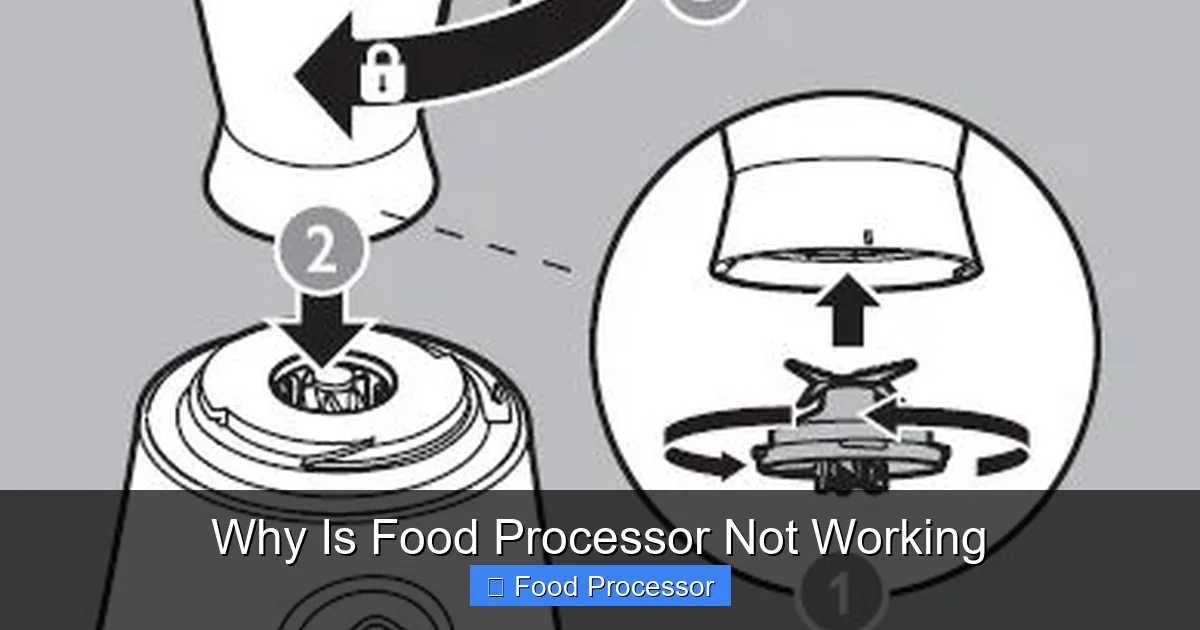
It’s frustrating when your food processor isn’t working, but many common problems have simple solutions. This guide will walk you through systematic troubleshooting steps, covering everything from power supply issues and improper assembly to blade problems and motor overload. You’ll learn how to identify the root cause and apply practical fixes to get your appliance chopping, slicing, and pureeing again.
Why Is Food Processor Not Working
Imagine you’re all set to whip up a delicious batch of hummus or perfectly chopped salsa, and you reach for your trusty food processor, only to find it… silent. Nothing. Or maybe it hums but doesn’t spin. It’s a common kitchen dilemma that can put a serious damper on your cooking plans. Before you throw in the towel or, worse, throw out your appliance, take a deep breath. Many reasons why a food processor might not be working are surprisingly simple to fix.
This comprehensive guide is designed to help you systematically troubleshoot common issues, diagnose the problem, and get your food processor back in action. We’ll cover everything from basic power checks to intricate safety features and motor concerns. By the end, you’ll have a clear understanding of why your food processor stopped working and, more importantly, how to fix it. Let’s dive in!
Key Takeaways
- Check Power and Connection First: Always begin by ensuring your food processor is properly plugged in and the outlet is functional. A loose cord or tripped breaker is a very common and easy fix.
- Proper Assembly is Crucial: Most food processors have safety interlocks that prevent operation if the bowl, lid, and blade are not correctly assembled and locked into place. Refer to your manual if unsure.
- Don’t Overload the Bowl: Overfilling or processing ingredients that are too hard can cause the motor to struggle, activate thermal cutouts, or jam the blade, leading to your food processor not working.
- Inspect the Blade and Drive Shaft: Ensure the blade is correctly seated on the drive shaft and not jammed by food. A spinning blade is essential for operation.
- Look for Reset Buttons: Many food processors include a reset button, usually on the bottom or back, to address motor overheating or electrical overload issues. Let the unit cool before pressing.
- Understand Safety Mechanisms: Modern food processors are designed with multiple safety features. If it’s not turning on, it’s often due to one of these mechanisms not being engaged properly.
- Consider Professional Help for Complex Issues: For persistent electrical problems, burnt smells, or grinding noises, it might be time to consult a professional or consider replacing the unit.
Step 1: The Basics – Power and Connections
When your food processor isn’t working, the very first place to start is with the power supply. It might sound obvious, but you’d be surprised how often a simple power issue is the culprit.
Check the Power Cord and Outlet
First, make sure the power cord is securely plugged into both the food processor and the wall outlet. Sometimes, a loose connection is all it takes to prevent operation. If it’s plugged in correctly, try plugging another small appliance into the same outlet to confirm the outlet itself is working. If the other appliance doesn’t work either, you might have a tripped circuit breaker.
Reset the Circuit Breaker
Go to your home’s electrical panel and look for a tripped breaker. It will usually be in the “off” position or somewhere in between “on” and “off.” Flip it completely off, then firmly back to the “on” position. Test the food processor again. If the breaker trips immediately, there might be a more serious electrical issue with the appliance or your home wiring, and it’s best to consult an electrician.
Step 2: Proper Assembly – The Most Common Culprit
Modern food processors are built with multiple safety features to prevent accidents. If your food processor is not working, it’s very likely one of these safety mechanisms hasn’t been engaged correctly.
Ensure Bowl and Lid are Locked
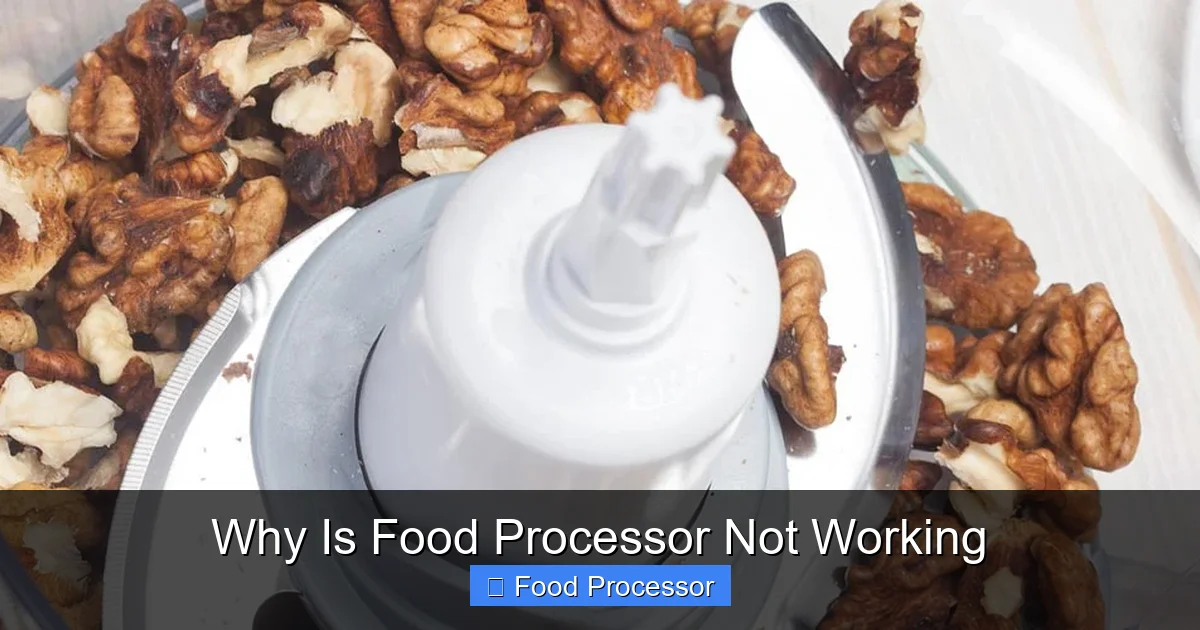
Every food processor has a specific way the bowl and lid need to be seated and locked into place for the motor to engage. There are often arrows or indicators to help you align them. The bowl usually twists onto the base, and then the lid twists onto the bowl. If either component isn’t securely locked, the safety interlock switch won’t activate, and the food processor won’t turn on.
Visual guide about Why Is Food Processor Not Working
Image source: applianceanalysts.com
Sometimes, even a tiny misalignment can prevent activation. Take everything apart and reassemble it carefully, making sure you hear or feel the “click” that indicates it’s locked. If you’re unsure about the correct assembly, referring to your appliance’s user manual or a general guide on how to assemble a food processor step-by-step can be incredibly helpful.
Check the Drive Shaft and Blade
The blade needs to be correctly seated on the drive shaft in the center of the bowl. If it’s wobbling, loose, or not fully pushed down, the food processor might not work, or the blade might not spin even if the motor starts. Make sure you’re using the correct blade for your task, as some food processors come with multiple attachments, and using the wrong one can prevent proper closure.
Step 3: Overload Protection and Thermal Cutout
Food processors are powerful tools, but they have limits. Overworking the motor can trigger safety features.
Look for a Reset Button
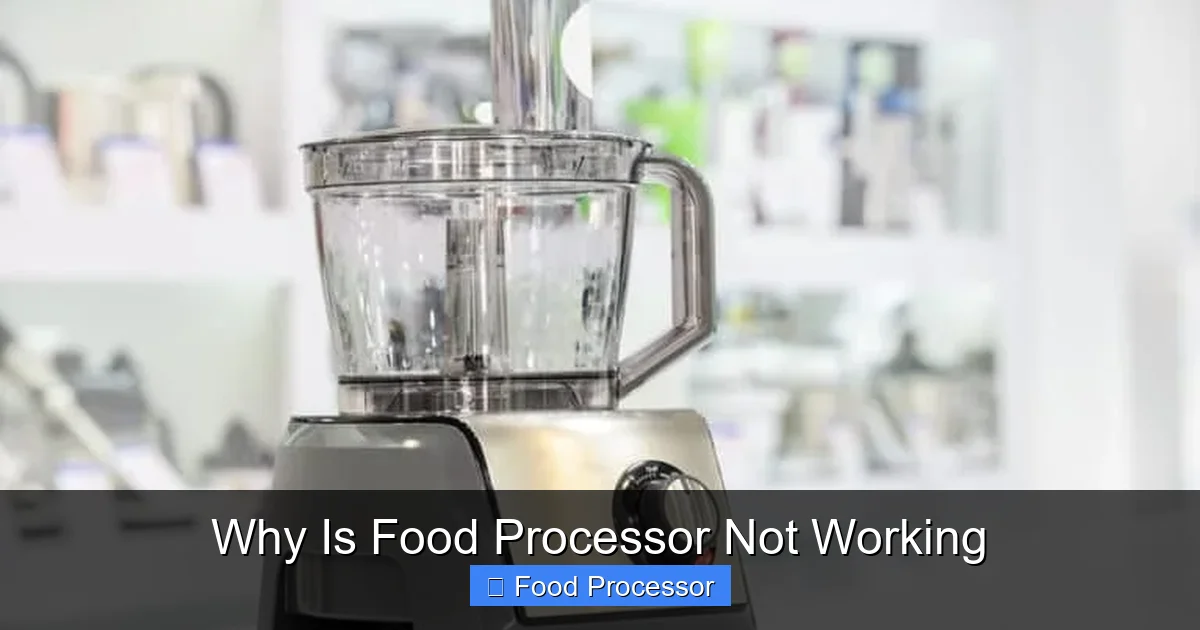
Many food processors, especially larger models, have a reset button. This is often located on the underside or back of the motor base. If the motor has overheated due to prolonged use or trying to process tough ingredients, the thermal cutout switch will activate, shutting down the unit to prevent damage. Unplug the food processor, wait about 30 minutes for it to cool down, and then press the reset button (if present). Plug it back in and try again.
Visual guide about Why Is Food Processor Not Working
Image source: applianceanalysts.com
Avoid Overfilling the Bowl
Putting too much food in the bowl at once forces the motor to work harder than it’s designed to. This can lead to the motor struggling, overheating, and triggering the thermal cutout. Always adhere to the maximum fill lines indicated on your food processor’s bowl. If you suspect overfilling was the issue, remove some ingredients and try again in smaller batches.
Process Hard Ingredients in Batches
Attempting to chop or grind very hard ingredients like ice, hard cheeses, or nuts in large quantities can strain the motor. If your food processor blade is not spinning or the motor is struggling with tough items, process them in smaller amounts or pre-cut them into smaller pieces before adding them to the bowl.
Step 4: Blade and Motor Specific Issues
If the power and assembly seem fine, the problem might be more specific to the blade or the motor itself.
Blade Jammed or Stuck
Sometimes, food gets wedged under the blade or between the blade and the bowl, preventing it from rotating. Unplug the food processor, carefully remove the blade (using caution, as blades are very sharp), and clear any lodged food debris from the blade and the bottom of the bowl. Make sure the drive shaft is clear as well. For detailed steps on fixing a non-spinning blade, check out our guide on how to fix a food processor blade that isn’t spinning.
Motor Humming but Blade Not Spinning
If you hear the motor humming but the blade isn’t turning, this indicates the motor is receiving power but something is preventing the blade from engaging or rotating. This could be a jammed blade (as above), a stripped drive coupling (the part that connects the motor to the blade), or a problem with the internal gears of the food processor. If you suspect a stripped coupling, replacement parts might be available, or it might be time for a service call.
Strange Noises or Burning Smell
If your food processor makes grinding noises, whirring sounds without operation, or emits a burning smell, stop using it immediately. These are strong indicators of serious internal motor or electrical problems. Continuing to operate it could cause further damage or be a fire hazard. In such cases, professional repair or replacement is usually the best course of action.
Step 5: Inspecting the Safety Interlock System
The interlock system is a crucial safety feature that often prevents a food processor from turning on.
Lid and Bowl Interlocks
Most food processors have two primary interlocks: one for the bowl and one for the lid. Small pins or tabs on the bowl and lid need to align with switches on the motor base. If these pins are bent, broken, or not properly engaging the switches, the food processor won’t start. Carefully inspect these areas for any visible damage. Even dirt or dried food residue can sometimes interfere with these delicate switches.
Push Rod/Pusher Interlock
Some models, especially those with feed tubes, have an additional safety interlock involving the pusher. The pusher must be inserted into the feed tube, sometimes rotated or pushed down, for the food processor to operate. Check your manual to see if your model has this feature and ensure it’s engaged.
Step 6: When Your Food Processor is Not Turning On At All
If your food processor is completely unresponsive, no humming, no lights, after checking the power outlet and circuit breaker, here are additional steps.
Internal Wiring or Switch Issues
If all external checks fail and the unit remains completely dead, the problem could be an internal wiring fault, a defective ON/OFF switch, or an issue with the motor’s power supply. Unless you have experience with electrical appliance repair, these issues are best left to a qualified technician. Attempting to open the motor base without proper knowledge can be dangerous. For more specific troubleshooting when your food processor completely refuses to turn on, you might find our guide on how to fix a food processor that is not turning on particularly useful.
Cord Damage
Visually inspect the entire length of the power cord for any cuts, fraying, or exposed wires. A damaged cord is not only a reason for malfunction but also a safety hazard. If the cord is damaged, it needs to be replaced by a professional or the entire unit should be replaced.
Step 7: Advanced Troubleshooting and When to Seek Help
If you’ve gone through all the basic steps and your food processor is still giving you trouble, it’s time to consider more advanced solutions or professional assistance.
Motor Brush Issues (for some models)
Some older food processor models or certain brands use carbon brushes in their motors. Over time, these brushes can wear down, leading to intermittent operation or complete failure. Replacing motor brushes can be a DIY task for those comfortable with small appliance repair, but it requires opening the motor housing. Consult your manual or a technician.
Consider the Age and Brand
The age of your food processor can play a role. Components wear out over time. If you own a specific brand like Cuisinart, you might find that certain models have unique quirks or common failure points. For instance, if you’re dealing with a specific brand, understanding why a Cuisinart food processor might not be working could offer more targeted insights.
Newer food processors often have more robust safety features, which, while beneficial, can sometimes be overly sensitive. Older models might lack some of these interlocks but could suffer from general wear and tear more easily.
Professional Repair vs. Replacement
At a certain point, the cost of repairing your food processor might outweigh the cost of buying a new one. Get an estimate for repair if you suspect a major component failure. If the repair cost is more than 50% of the price of a new, comparable food processor, it’s often more economical to replace it. Also, consider the hassle factor – sometimes, a new warranty and fresh start are worth the investment.
Preventative Maintenance to Keep Your Food Processor Working
To avoid future headaches, here are some tips to keep your food processor in top shape:
- Read the Manual: Familiarize yourself with your specific model’s assembly, cleaning instructions, and capacity limits.
- Clean Thoroughly: After each use, disassemble and clean all parts. Food residue can build up and interfere with safety switches or blade rotation.
- Don’t Overload: Always respect the maximum fill lines to prevent motor strain and overheating.
- Pre-Cut Hard Foods: Cut large or very hard ingredients into smaller, manageable pieces before processing.
- Allow for Cooling: If using your food processor for extended periods or for tough tasks, give the motor breaks to cool down.
- Store Properly: Store the food processor assembled or with its components neatly organized to prevent damage to delicate parts like safety pins.
Conclusion
A non-working food processor can be frustrating, but with a systematic approach, you can often diagnose and fix the problem yourself. Remember to start with the simplest checks like power supply and proper assembly before moving on to more complex issues like motor overload or internal component failures. Safety is paramount, so always unplug the appliance before inspecting or handling blades, and don’t attempt repairs you’re not comfortable with.
By following the steps in this guide, you’ll be well-equipped to troubleshoot your kitchen helper and get back to enjoying the convenience and efficiency it brings to your cooking. Happy processing!
