

When your food processor won’t turn on, it’s often due to simple issues like power supply problems or improper assembly. This guide offers practical, step-by-step troubleshooting, from checking the outlet and circuit breaker to ensuring all parts are correctly locked in place. You’ll learn how to diagnose and potentially fix common causes, helping you get your food processor back in action without needing a repair person.
Food Processor Not Turning On
It’s a familiar scenario: you’re all set to whip up a delicious meal, ingredients prepped, and you press the button on your food processor, only to be met with… silence. Nothing happens. Your food processor is not turning on. Don’t panic! This is a very common issue, and more often than not, the fix is simpler than you might think. Before you resign yourself to chopping everything by hand or rushing out to buy a new appliance, let’s walk through a comprehensive, step-by-step guide to troubleshoot why your food processor isn’t turning on.
This guide will help you identify the most frequent culprits behind a non-starting food processor. We’ll cover everything from basic power checks to intricate assembly issues, thermal cutoffs, and mechanical obstructions. By the end, you’ll have a clear path to get your trusty kitchen helper back in action, or at least understand when it might be time to call in a professional.
Key Takeaways
- Start with Safety: Always unplug your food processor before inspecting or attempting any fixes to prevent electric shock or injury.
- Check Power Sources First: The most common reasons a food processor isn’t turning on relate to power – ensure it’s plugged in, the outlet works, and the circuit breaker hasn’t tripped.
- Proper Assembly is Crucial: Food processors have safety interlocks. Make sure the bowl, lid, and blade are correctly aligned and securely locked into place for the appliance to power on.
- Beware of Overload: Overheating or overloading can trigger a thermal cutoff switch. Give your food processor time to cool down and try resetting any visible overload buttons.
- Inspect for Obstructions: Food debris or small objects can jam the motor or drive shaft, preventing your food processor from turning on. Clean all components thoroughly.
- Manufacturer-Specific Issues: Some brands might have unique quirks or reset procedures. Consult your appliance’s user manual for specific troubleshooting tips relevant to your model.
- When to Seek Help or Replace: If basic troubleshooting doesn’t work, consider contacting the manufacturer, a professional repair service, or, if it’s an older model, investing in a new food processor.
Safety First! Unplug Your Food Processor
Before you touch anything, always, always prioritize safety. This is the golden rule for any appliance troubleshooting.
Unplug from the Wall Outlet
Always make sure your food processor is completely unplugged from the electrical outlet before you inspect any part of it, especially before checking blades or internal components. This prevents any risk of electric shock or accidental activation while your hands are inside the unit. Even if you think the food processor is not turning on, it might still have intermittent power. Safety first means no power.
Step 1: Check the Power Source
The most common reason a food processor is not turning on has nothing to do with the appliance itself, but rather with its power supply. Let’s start with the basics.
Is It Plugged In Properly?
It sounds obvious, but sometimes the simplest things are overlooked.
- Secure Connection: Double-check that the power cord is fully inserted into the wall outlet. Sometimes a loose plug can prevent the food processor from getting power.
- Cord Damage: Inspect the entire length of the power cord for any visible signs of damage, such as cuts, frayed wires, or kinks. A damaged cord can prevent power from reaching the appliance. If the cord is damaged, do not use the food processor; it’s a safety hazard.
Test the Outlet
The problem might not be with your food processor, but with the electrical outlet it’s plugged into.
- Use Another Appliance: Plug another small appliance (like a lamp or a phone charger) into the same outlet where your food processor was connected. If the other appliance also doesn’t work, then you know the issue is with the outlet, not your food processor.
- Try a Different Outlet: Plug your food processor into a different, known-working outlet in your kitchen or another room. If it turns on there, the original outlet is faulty.
Check the Circuit Breaker
Kitchens often have dedicated circuits, and using high-power appliances can sometimes trip a circuit breaker.
- Locate Your Breaker Box: Find your home’s electrical service panel (usually in a basement, garage, or utility closet).
- Identify Tripped Breakers: Look for any breaker switches that are in the “OFF” position or are halfway between “ON” and “OFF” (a tripped state).
- Reset the Breaker: If you find a tripped breaker, firmly push it all the way to the “OFF” position first, then firmly push it back to the “ON” position.
- Test Again: Go back and try your food processor again. If it trips repeatedly, there might be an electrical issue that requires a professional electrician.
Step 2: Ensure Proper Assembly
Food processors are designed with safety in mind, featuring interlock mechanisms that prevent them from operating unless all components are correctly assembled and locked into place. This is a very common reason why a food processor is not turning on. If you’re wondering how to assemble your food processor correctly, this section will guide you through the critical points.
The Bowl and Lid
These are the most frequent culprits for interlock issues.
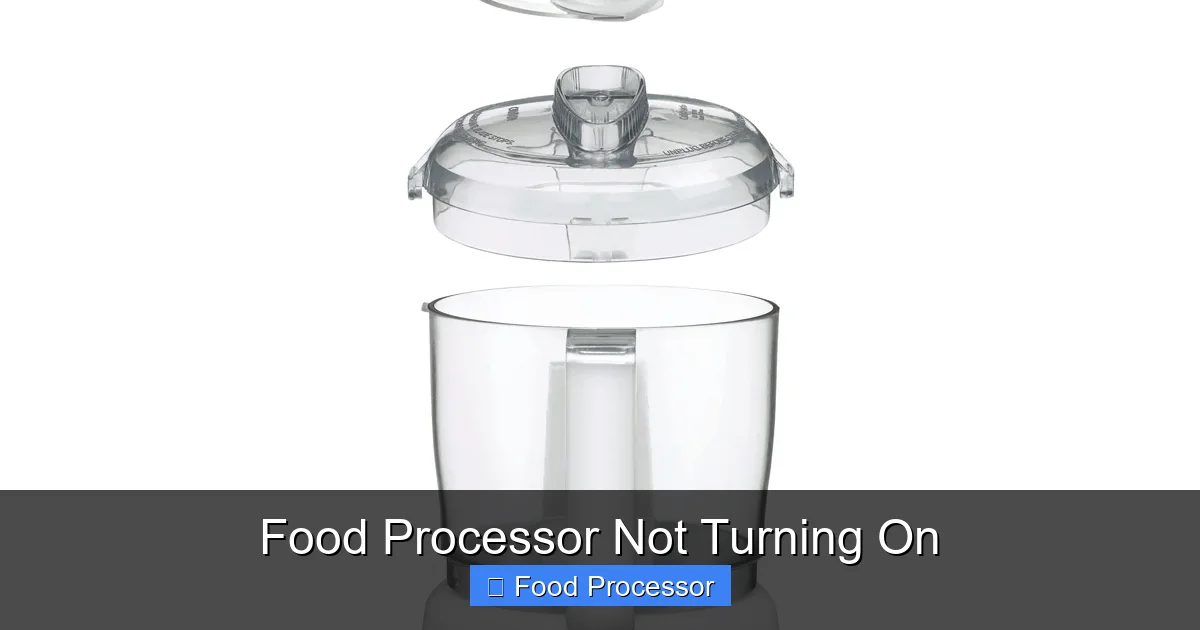
- Bowl Alignment: The processing bowl must be correctly seated on the motor base. Most bowls have a specific orientation and a locking tab that needs to align with a slot on the base. You should feel it drop into place and then usually twist it clockwise until it locks securely.
- Lid Placement: The lid also has a locking mechanism. It needs to be placed on top of the bowl and then twisted until it clicks into its locked position. Look for arrows or indicators on the lid and bowl that show the ‘lock’ position. Some models require the feed tube to be aligned with the handle.
- Pusher/Food Chute: Some food processors won’t activate unless the food pusher (the part that fits into the feed tube) is also inserted correctly, as it can sometimes activate a final safety switch.
Practical Tip: Wiggle the bowl and lid gently once you think they’re locked. If there’s any play, they might not be fully engaged. Try removing and reattaching them carefully, ensuring a firm, audible click if your model provides one.
Visual guide about Food Processor Not Turning On
Image source: savacoolandsons.blob.core.windows.net
Visual guide about Food Processor Not Turning On
Image source: cuisinart.ca
The Blade/Disc
The cutting accessory also needs to be correctly positioned.
- Securely Seated: Ensure the blade or disc is properly placed onto the drive shaft within the bowl. It should sit firmly and not wobble excessively. If the blade isn’t correctly seated, the food processor may not turn on, or if it does, it might lead to issues like why the food processor blade is not spinning properly.
Secure Locking Mechanisms
Many modern food processors have multiple safety interlocks. All of them must be satisfied for the unit to power on.
- Check All Contact Points: Mentally (or physically, if safe to do so) trace the path of the safety mechanisms from the base to the lid. There are usually small pegs or tabs that press against corresponding switches. If any of these are bent, broken, or misaligned, the food processor will not turn on.
- Inspect for Debris: Sometimes, food particles or dried residue can prevent the safety tabs from fully engaging. Clean around the locking mechanisms on the base, bowl, and lid.
Step 3: Overload Protection & Overheating
Many food processors, especially more powerful models, come with a thermal cutoff switch or an overload protection feature. This is designed to protect the motor from damage if it gets too hot or if you try to process too much food at once. If your food processor was working but suddenly stopped, or if it was struggling before it went silent, this might be the reason your food processor is not turning on.
Resetting the Overload Switch
Some models have a visible reset button, often located on the underside or back of the motor base.
- Locate the Button: Look for a small, often red or black, button labeled “Reset” or a similar indicator.
- Press to Reset: If found, press this button firmly.
- Wait for Cooling: Even if there’s no visible button, the thermal cutoff needs time to cool down before it can reset itself automatically. Unplug the food processor and let it sit undisturbed for at least 15-30 minutes, or even longer (up to an hour) if it was running hot. This is a good practice for ensuring you have the best food processor that does not overheat in the first place, but if it happens, cooling is key.
Preventing Future Overloads
To avoid activating the overload protection again:
- Process in Batches: Don’t overfill the bowl. Process ingredients in smaller batches.
- Cut Food into Smaller Pieces: Large, hard chunks of food make the motor work harder. Cut them down to a manageable size.
- Avoid Hard Items: Some food processors aren’t designed for extremely hard items like whole coffee beans or frozen blocks of food. Check your manual.
Step 4: Inspect the Food Processor Components
If power and assembly aren’t the issue, it’s time to look a little deeper at the internal workings. Remember to keep the unit unplugged!
Check for Obstructions
Sometimes, a stray piece of food or a small foreign object can get lodged in a critical area.
- Beneath the Blade: Remove the blade and thoroughly clean the drive shaft area inside the bowl and on the motor base. Food particles can dry and harden, preventing the shaft from turning freely.
- Motor Base Vents: Check the air vents on the motor base for any blockages. Overheating can occur if these vents are obstructed, leading to the thermal cutoff engaging.
Examine the Drive Shaft
The drive shaft is the part that connects the motor to the blade.
- Spin by Hand: With the food processor unplugged and the bowl removed, try gently turning the drive shaft (the part that sticks up from the motor base) by hand. It should turn relatively freely. If it feels stiff, gritty, or doesn’t turn at all, there might be an internal issue with the motor or gears.
- Look for Damage: Inspect the drive shaft for any visible cracks, bends, or damage.
Look for Damaged Parts
While rare, components can wear out or break over time.
- Coupling Mechanism: Check the coupling mechanism on the motor base (where the bowl attaches) and the bottom of the bowl. These are often made of plastic and can wear down or chip, preventing proper engagement. If these are worn, the motor might spin, but the blade won’t, or the safety interlock might not activate.
- Internal Switches: Although harder to access, sometimes an internal safety switch itself can fail. If you’ve tried everything else, this could be a possibility, but usually requires professional diagnosis.
Step 5: Consider Specific Brand Issues
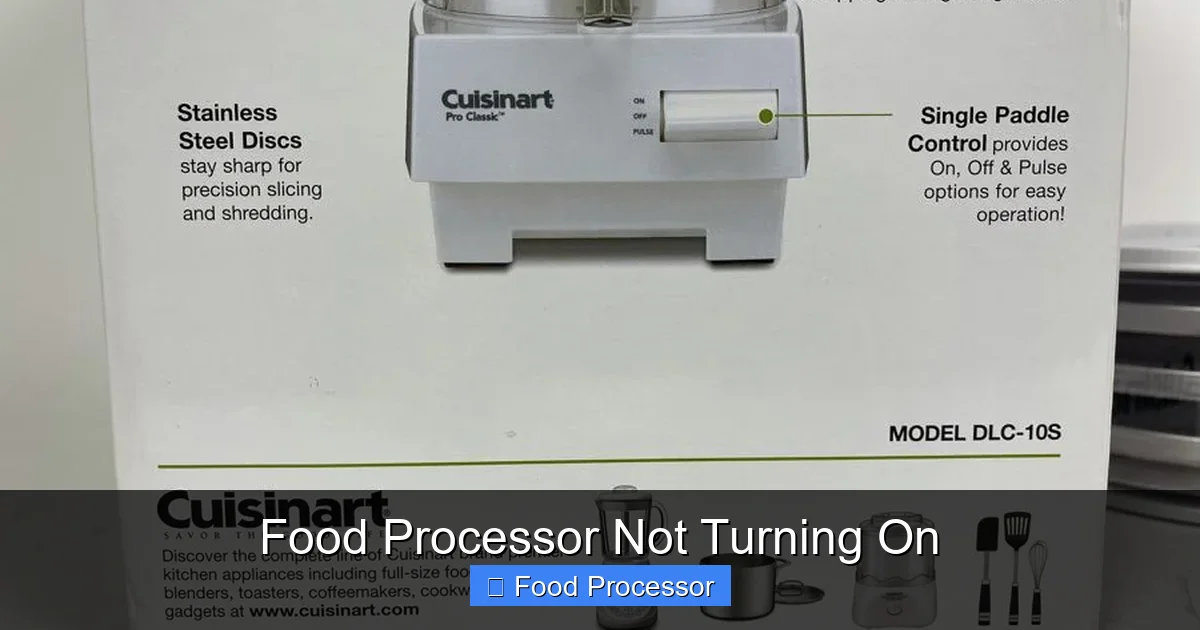
While the troubleshooting steps above cover most food processors, some brands or models might have unique quirks or specific failure points. For example, if you own a Cuisinart, you might wonder why a Cuisinart food processor might not be working, as some models have known issues with their safety interlocks or specific plastic components. Always consult your appliance’s user manual for brand-specific troubleshooting steps or common problems. Many manufacturers include detailed diagrams and specific advice for their models.
Step 6: When All Else Fails: Professional Help or Replacement
If you’ve diligently worked through all the steps and your food processor is still not turning on, it might be time to consider professional intervention or, in some cases, replacing the unit. This is often part of a broader question of how to fix a food processor that has stopped working entirely.
Contact Manufacturer Support
If your food processor is still under warranty, contacting the manufacturer is your first step. They can provide specific troubleshooting advice, arrange for repairs, or offer a replacement. Even if it’s out of warranty, their support staff might have additional insights or be able to recommend authorized service centers.
Seek Professional Repair
For high-end or expensive food processors, a professional appliance repair technician might be able to diagnose and fix the issue. Get an estimate first, as sometimes the cost of repair can approach the cost of a new, entry-level food processor.
Consider a New Food Processor
If your food processor is old, has seen a lot of use, or the repair cost is too high, it might be more economical to invest in a new one. Technology advances, and newer models often offer improved features, power, and durability.
Preventative Maintenance Tips
To keep your food processor running smoothly and prevent future “not turning on” incidents:
- Clean Thoroughly After Each Use: Remove all food debris from the bowl, lid, blades, and especially around the locking mechanisms. Dried food can prevent proper assembly.
- Avoid Overloading: Always process ingredients in batches and cut them into manageable sizes to prevent straining the motor and tripping the overload protection.
- Store Properly: Keep all components together and store the food processor in a clean, dry place. Ensure the cord is not pinched or damaged during storage.
- Read the Manual: Familiarize yourself with your specific model’s instructions, safety features, and maintenance recommendations.
Conclusion
A food processor not turning on can be frustrating, but armed with this guide, you now have a systematic approach to troubleshoot the problem. Most issues are related to simple power supply failures, improper assembly due to safety interlocks, or an activated overload protection. By patiently working through each step, you can often diagnose and fix the issue yourself, saving time and money.
Remember to prioritize safety, be thorough in your checks, and don’t hesitate to consult your user manual or manufacturer if you encounter persistent problems. Happy processing!
