

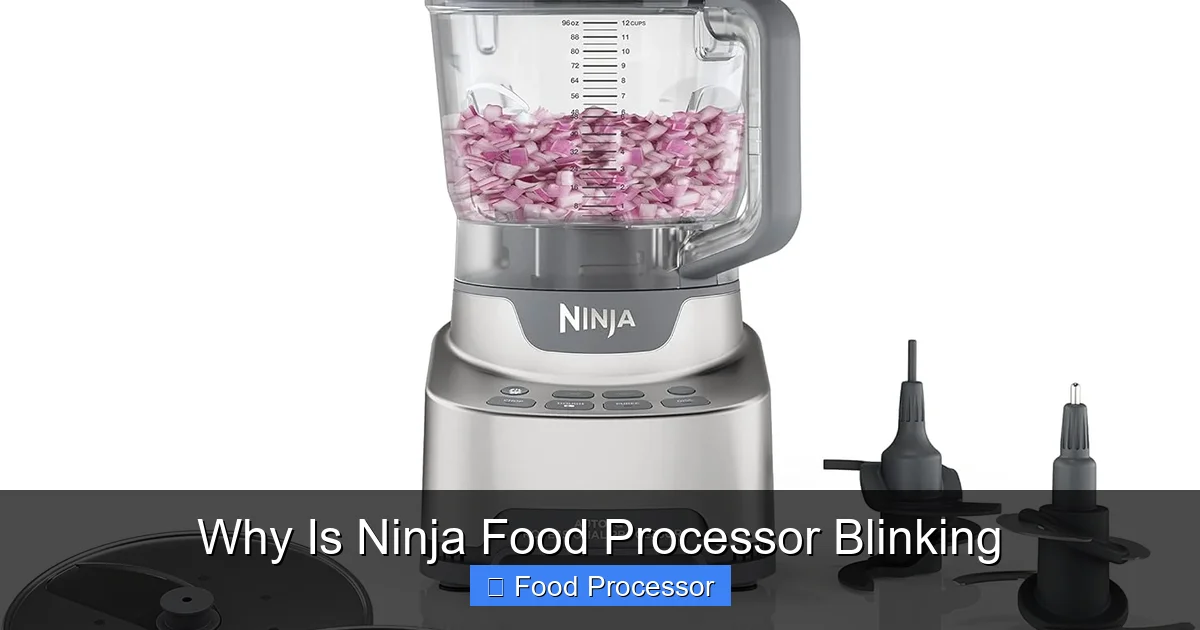
When your Ninja food processor is blinking, it’s usually a signal that something isn’t quite right, often related to its safety mechanisms. This guide will walk you through the most common reasons for the blinking lights, from improper assembly to motor issues, and provide simple, step-by-step solutions to get your appliance working smoothly again. Don’t let a blinking light stop your cooking; empower yourself with these easy fixes to understand why your Ninja food processor is blinking and how to resolve it quickly.
Why Is Ninja Food Processor Blinking?
There’s nothing quite like the convenience of a Ninja food processor, effortlessly tackling everything from chopping vegetables to mixing dough. It’s a reliable kitchen companion for countless culinary tasks. However, that moment when your Ninja food processor starts blinking can be incredibly frustrating. Instead of smooth operation, you’re met with a confusing light show, and your appliance refuses to work. Don’t worry, you’re not alone! This blinking light isn’t a sign of permanent damage, but rather your Ninja food processor trying to tell you something important. It’s a built-in safety feature designed to prevent accidents and protect the motor.
In this comprehensive guide, we’re going to dive deep into the world of Ninja food processor blinking lights. We’ll explore the most common reasons why your appliance might be signaling distress and provide you with clear, step-by-step instructions to troubleshoot and fix the issue. Our goal is to empower you to quickly diagnose the problem and get your Ninja food processor back to its bustling best. So, let’s stop that blinking and get back to making delicious food!
Key Takeaways
- Safety Interlocks are Key: The most common reason a Ninja food processor is blinking is due to an improperly secured bowl or lid. Always ensure these components are fully locked into place.
- Overload Protection Trigger: Blinking often indicates that the appliance is struggling with too much food or ingredients that are too hard. Reduce the load or pre-cut items to resolve this.
- Overheating Safeguard: If the motor has been running for too long or under too much strain, blinking lights can signal it’s overheating. Allow the unit to cool down for at least 30 minutes.
- Proper Assembly is Crucial: Ensure all attachments, especially the blade assembly, are correctly seated on the motor base spindle before operating. Any misalignment can trigger the safety lights.
- Power Connection Check: A loose power cord or an issue with the electrical outlet can sometimes manifest as blinking lights. Always verify your power source.
- Consult Your Manual: For specific blinking patterns or persistent issues, your Ninja food processor’s user manual is an invaluable resource, often providing model-specific diagnostic information.
Common Reasons Why Your Ninja Food Processor Is Blinking
Understanding why your Ninja food processor is blinking is the first step to fixing it. Most of these issues are related to safety mechanisms or proper usage.
Improper Assembly (Lid, Bowl, Blade)
This is, by far, the most frequent culprit when your Ninja food processor is blinking. Ninja appliances are designed with robust safety interlock systems. This means that if any part of the unit isn’t perfectly aligned or securely locked into place, the motor will not engage, and the lights will blink to alert you.
- Lid Not Locked: The lid often needs to be rotated and clicked into a specific position for the safety tab to engage the sensor on the motor base.
- Bowl Not Locked: Similarly, the processing bowl must be properly seated on the motor base and typically twisted clockwise until it locks securely.
- Blade Assembly Not Seated: The processing blade or disc assembly needs to be firmly placed onto the drive shaft within the bowl. If it’s wobbling or not fully engaged, the food processor might not start. If you’re encountering issues with the blade specifically, you might find more detailed troubleshooting in our guide on why your food processor blade is not spinning.
Overload Protection
Your Ninja food processor is powerful, but it has its limits. If you try to process too many ingredients at once, or ingredients that are too large or hard (like large chunks of ice or dense dough without enough liquid), the motor can struggle. When it senses this strain, the overload protection system kicks in, causing the lights to blink and stopping operation to prevent motor damage.
Overheating Protection
Continuous use, especially with tough ingredients or in a warm environment, can cause the motor to heat up. To prevent damage from overheating, Ninja food processors have a thermal switch. If the motor gets too hot, the appliance will automatically shut down, and the lights may blink to indicate that it needs to cool down.
Power Supply Issues
While less common, an unstable or interrupted power supply can sometimes cause your Ninja food processor to blink. This could be due to a loose plug, a faulty outlet, or even a power surge.
Incorrect Accessory or Container
Ninja appliances often come with multiple containers or blade attachments. Using the wrong size bowl with a specific lid, or an attachment that isn’t compatible with your current setup, can prevent the safety interlocks from engaging correctly, leading to blinking.
Motor or Internal Malfunction
In rare cases, if all other troubleshooting steps fail, the blinking could indicate a more serious internal issue with the motor or wiring. This is usually accompanied by other symptoms like unusual noises or a burning smell.
Step-by-Step Troubleshooting Guide: Fixing Your Blinking Ninja Food Processor
Now that you know the common reasons, let’s walk through how to systematically fix your blinking Ninja food processor. Always ensure the unit is unplugged before attempting any adjustments or cleaning, for your safety.
Step 1: Unplug and Re-Plug the Appliance
This is the simplest, yet often effective, first step.
- Unplug: Completely disconnect your Ninja food processor from the power outlet.
- Wait: Give it about 30 seconds to a minute. This allows any residual electrical charge to dissipate and can sometimes reset the internal electronics.
- Re-Plug: Plug the appliance back into a known working outlet. Ensure the plug is firmly seated.
Step 2: Check Bowl and Lid Alignment
This is crucial for engaging the safety interlocks.
- Remove Everything: Take the lid off, remove the blade assembly, and lift the processing bowl off the motor base.
- Re-seat the Bowl: Place the empty processing bowl back onto the motor base. Line up the tabs on the bottom of the bowl with the grooves on the base. Twist it clockwise until you hear a definitive click and it feels locked and secure. It should not wobble. If you’re unsure about the assembly process, reviewing a guide on how to properly assemble your food processor can be very helpful.
- Re-attach the Lid: Place the lid onto the bowl, aligning the pouring spout or tab on the lid with the handle of the bowl. Twist the lid clockwise until it locks securely into place. You should hear another click. Ensure the lid’s tab is fully engaged with the motor base’s sensor.
Practical Tip: Sometimes, a small food particle or debris can prevent the bowl or lid from locking properly. Check the rim of the bowl and the lid for any obstructions.
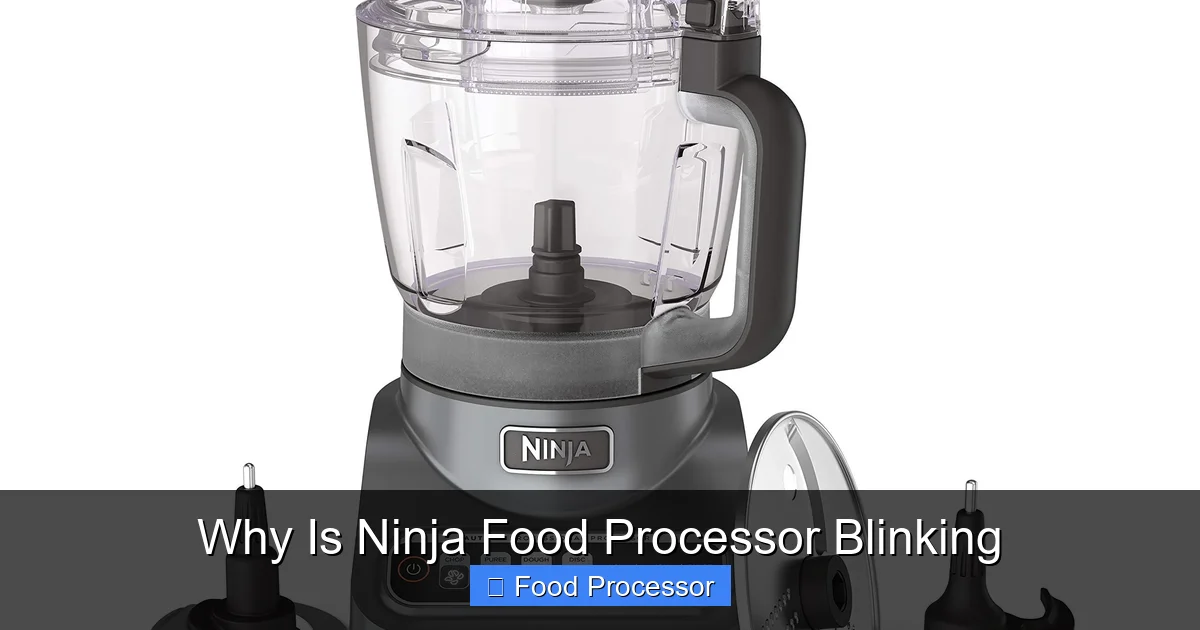
Visual guide about Why Is Ninja Food Processor Blinking
Image source: m.media-amazon.com
Step 3: Verify Blade/Accessory Placement
A wobbly or improperly seated blade can prevent the unit from operating.
- Insert Blade: Carefully place the appropriate blade assembly onto the spindle inside the processing bowl. Push it down firmly until it sits securely on the drive shaft. It should not be loose.
- Check for Damage: While you’re at it, inspect the blade assembly for any visible damage or bent parts that could be interfering with its seating.
Step 4: Reduce Food Load and Ingredient Size
If your Ninja food processor is blinking after you’ve added ingredients, it’s likely an overload issue.
- Remove Some Ingredients: Take out about a third to half of the ingredients from the bowl.
- Pre-Cut Large Items: For hard vegetables, firm cheeses, or tough meats, pre-cut them into smaller, more manageable pieces (e.g., 1-inch cubes) before adding them to the processor.
- Add Liquid: If you’re making purees or sauces, sometimes adding a bit more liquid can help the blades move more freely and reduce strain on the motor.
- Process in Batches: If you have a large quantity of food, process it in smaller batches to avoid overloading the motor.
Step 5: Allow for Cooling
If you’ve been using your food processor for an extended period or with particularly tough ingredients, overheating is a strong possibility.
- Unplug: Disconnect the appliance from power.
- Wait: Let the unit rest for at least 30 minutes. The motor needs time to cool down completely. Placing it in an area with good air circulation can help.
- Restart: After cooling, reassemble the unit (following Steps 2 and 3) and try operating it again.
Step 6: Inspect Power Outlet and Cord
A quick check of your power source can rule out external issues.
- Try Another Outlet: Plug your Ninja food processor into a different electrical outlet that you know is working (test it with another small appliance).
- Check the Cord: Inspect the power cord for any visible signs of damage, fraying, or pinches. A damaged cord should not be used and would require replacement.
- Avoid Extension Cords: If you’re using an extension cord, try plugging the food processor directly into the wall outlet. Extension cords, especially older or lower-gauge ones, can sometimes restrict power flow.
Step 7: Reset the Appliance (If Applicable)
Some Ninja models have a manual reset button, though many simply reset by unplugging and cooling. Check your specific model’s manual for details. If there is a reset button (often on the bottom or side of the motor base), press it firmly.
Step 8: Consult the User Manual
Your Ninja food processor’s user manual is a treasure trove of specific information for your model.
- Error Codes/Patterns: Some Ninja models have specific blinking patterns or lights that correspond to different error codes. Your manual will explain what these mean.
- Model-Specific Instructions: Assembly and troubleshooting steps can vary slightly between different Ninja models. Referencing your manual ensures you’re following the correct procedure for your exact appliance.
Practical Tips for Prevention
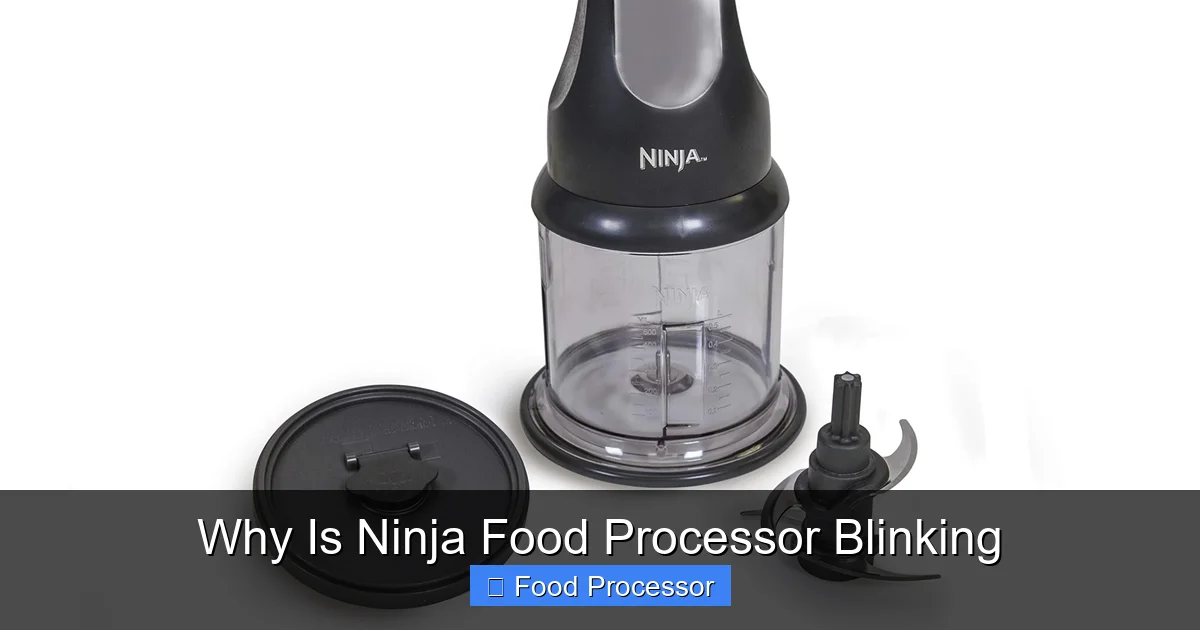
Visual guide about Why Is Ninja Food Processor Blinking
Image source: m.media-amazon.com
Preventing your Ninja food processor from blinking in the first place is always better than troubleshooting. Here are some habits to adopt:
- Don’t Overfill: Always adhere to the maximum fill lines indicated on your processing bowl. Less is often more when it comes to smooth operation.
- Ensure Proper Assembly Every Time: Make it a habit to double-check that the bowl, blade, and lid are securely locked into place before you hit the power button. A good click is your friend!
- Pre-Cut Ingredients: Especially for tough or large ingredients, cut them into smaller, uniform pieces before processing. This reduces strain on the motor and makes for more efficient processing.
- Give It a Break: Avoid running the food processor continuously for long periods. If you have a lot to process, do it in short bursts, allowing the motor to rest between pulses.
- Use the Correct Accessories: Always use the attachments and containers designed for your specific Ninja food processor model. This ensures proper fit and function.
- Keep it Clean: Regularly clean all parts of your food processor. Food debris can build up around the locking mechanisms, preventing proper engagement.
When to Seek Professional Help or Consider Replacement
Most blinking issues can be resolved with the steps above. However, if your Ninja food processor is blinking persistently and none of the troubleshooting steps help, it might be time to consider further action.
- Persistent Blinking: If the lights continue to blink even after proper assembly, load reduction, and cooling, there might be an internal electrical or motor fault.
- Unusual Noises or Smells: If you hear grinding noises, experience a burning smell, or see smoke, immediately unplug the unit. These are signs of a serious motor issue.
- Visible Damage: If the power cord is damaged, the motor housing is cracked, or any critical component is visibly broken, it’s unsafe to use.
- Warranty Check: If your Ninja food processor is still under warranty, contact Ninja customer support. They might offer a repair or replacement.
- Cost of Repair vs. New Unit: If the unit is out of warranty and requires a costly repair, sometimes investing in a new food processor, or perhaps even exploring options like how to fix a food processor that is not turning on if it completely dies, might be more economical in the long run.
Conclusion
A blinking Ninja food processor can be a momentary nuisance, but it’s rarely a death knell for your appliance. More often than not, it’s a helpful signal from a smart safety system. By understanding the common causes—primarily improper assembly, overloading, or overheating—and following our simple troubleshooting steps, you can quickly diagnose and resolve the issue.
Remember, your Ninja food processor is designed to make your life easier in the kitchen. With a little patience and attention to proper usage, you’ll have it purring smoothly again in no time, ready to tackle your next culinary adventure. Happy cooking!
