

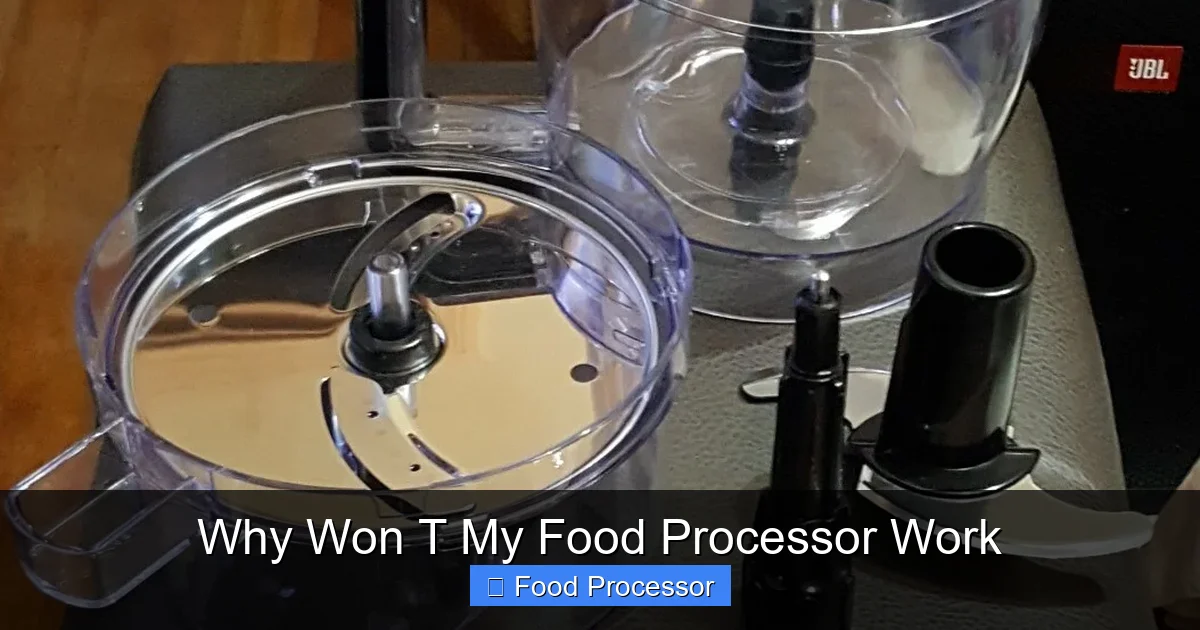
Experiencing a non-responsive food processor can be frustrating, but most issues are due to common user errors or simple mechanical problems. This guide will help you troubleshoot everything from power supply and proper assembly to safety interlocks and motor overload protection. Learn practical steps to diagnose why your food processor won’t work and get it back in action quickly, often without needing professional help, making sure your kitchen companion is ready for your next culinary adventure.
Why Won T My Food Processor Work
Oh no! You’re all set to whip up a delicious meal, you’ve got your ingredients prepped, and then… nothing. Your food processor, that trusty kitchen workhorse, just won’t work. It’s a common and incredibly frustrating scenario, whether it refuses to turn on, spins intermittently, or just hums without doing anything useful. Don’t worry, you’re not alone, and often, the fix is much simpler than you might think.
A food processor is designed to make your life easier, from chopping vegetables to kneading dough. When it stops cooperating, it can throw a wrench in your entire cooking plan. But before you start looking for a replacement or calling a repair technician, let’s go through some easy troubleshooting steps. This comprehensive guide will walk you through the most common reasons why your food processor won’t work and provide clear, actionable steps to get it back up and running. We’ll cover everything from basic power checks to understanding safety mechanisms and motor issues. By the end of this article, you’ll be well-equipped to diagnose and potentially fix your food processor, saving you time, money, and culinary headaches. Let’s get your food processor working again!
Key Takeaways
- Always Start with Safety: Before any troubleshooting, make sure your food processor is unplugged from the power outlet to prevent accidents.
- Check Power & Assembly First: The most common reasons a food processor won’t work involve basic power supply issues (not plugged in, tripped breaker) or improper assembly of the bowl, lid, and blade.
- Understand Safety Interlocks: Modern food processors have built-in safety mechanisms that prevent operation unless all components (bowl, lid, blade) are correctly locked into place.
- Beware of Overload Protection: If the motor suddenly stops or struggles, it might be due to too much food or food that’s too dense, triggering the overload protector to prevent damage.
- Examine Blade and Spindle: Ensure the blade is correctly seated on the drive shaft and that there’s no obstruction preventing it from spinning freely.
- Listen for Clues: Pay attention to any sounds (or lack thereof) – a hum indicates power, while complete silence often points to an electrical issue.
- Don’t Force It: If parts don’t fit easily or the motor struggles, stop and investigate. Forcing components can cause damage and void warranties.
Step 1: Safety First! Always Unplug Your Food Processor
Before you touch any part of your food processor for inspection or troubleshooting, your absolute first step must be to unplug it from the wall outlet. This isn’t just a suggestion; it’s a critical safety measure. Even if it seems completely dead, there might still be power reaching some components. Working on an appliance that’s plugged in can lead to electric shock or accidental activation, which could cause serious injury. So, unplug it, and only then proceed with any checks or adjustments. Safety is paramount when dealing with any electrical appliance.
Step 2: Check the Power Supply – The Most Common Culprit
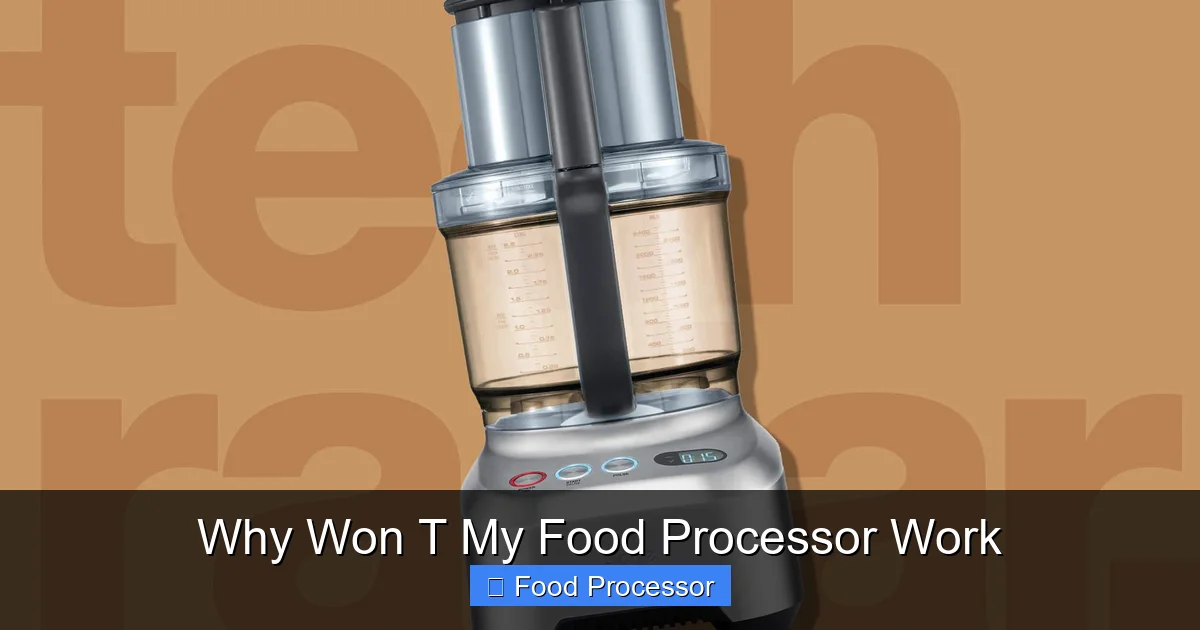
Visual guide about Why Won T My Food Processor Work
Image source: cdn.mos.cms.futurecdn.net
Often, when your food processor won’t work, the problem isn’t with the appliance itself but with its power source. These are quick checks that can save you a lot of hassle.
2.1 Is Your Food Processor Properly Plugged In?
It sounds almost too simple, doesn’t it? But you’d be surprised how often a loose plug is the reason an appliance doesn’t turn on.
- Verify the Connection: Make sure the power cord is firmly seated in the wall outlet. Give it a gentle push to ensure it’s snug.
- Inspect the Cord: While you’re at it, quickly check the power cord for any visible damage, frayed wires, or kinks. A damaged cord needs professional attention or replacement.
2.2 Is the Wall Outlet Working?
Sometimes the problem isn’t with the food processor or its plug, but with the outlet itself.
- Test with Another Appliance: Plug a different small appliance (like a lamp or a phone charger) into the same outlet. If that appliance doesn’t work either, you know the issue is with the outlet, not your food processor.
- Try a Different Outlet: If the original outlet seems dead, try plugging your food processor into a different, known-working outlet in your kitchen or home. This is a crucial step to figure out why your food processor won’t turn on.
2.3 Check Your Circuit Breaker
If multiple outlets in your kitchen are dead, or if your food processor suddenly stopped working mid-use, a tripped circuit breaker is a likely suspect.
- Locate Your Breaker Box: This is usually in your basement, garage, utility closet, or outside your home.
- Identify and Reset: Look for a switch that is in the “off” position or halfway between “on” and “off.” Flip it firmly to the “off” position, then back to “on.” If it immediately trips again, there might be a more serious electrical issue, and you should contact an electrician.
Step 3: Ensure Proper Assembly – The Safety Interlocks
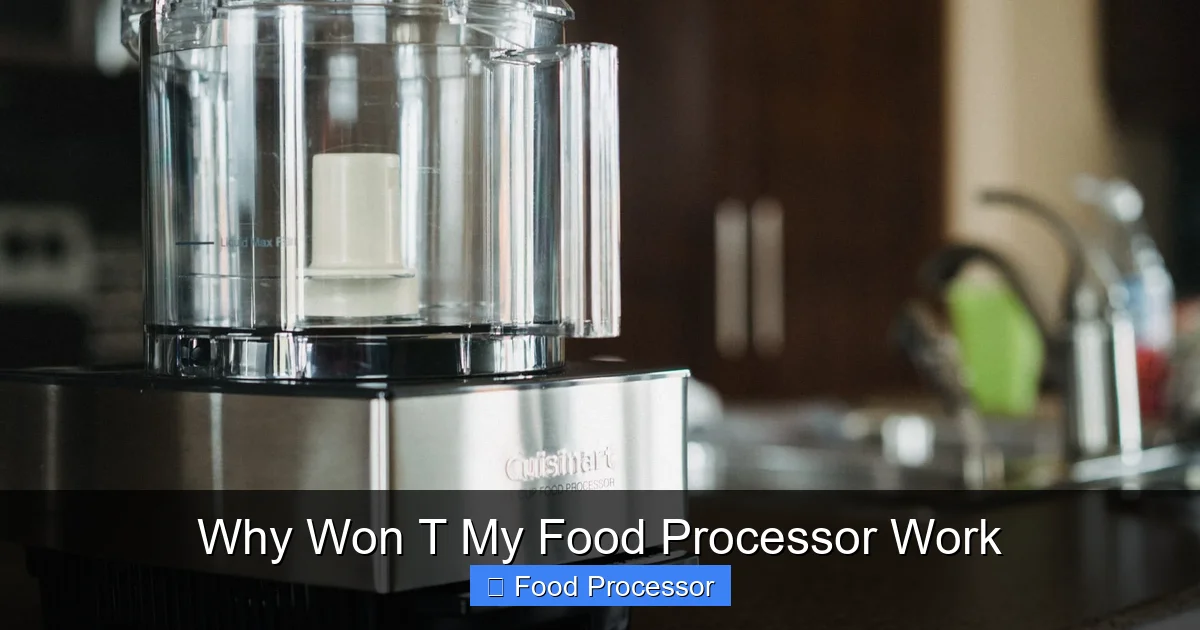
Visual guide about Why Won T My Food Processor Work
Image source: storables.com
Food processors are designed with multiple safety features to prevent accidents. If these components aren’t perfectly aligned and locked, your food processor simply won’t work. This is a very common reason for a non-responsive unit. If you’re wondering how to assemble a food processor step by step, ensuring each piece is correctly placed is key for it to function.
3.1 The Bowl Must Be Locked Securely
Most food processors require the work bowl to be twisted and locked onto the motor base.
- Listen for the Click: When attaching the bowl, twist it clockwise (or counter-clockwise, depending on your model) until you hear a distinct click, indicating it’s fully locked. There are usually arrows or markings to guide you.
- Check for Obstructions: Ensure there’s no food debris or anything else preventing the bowl from seating properly on the base.
3.2 The Lid Must Be Locked Securely
This is perhaps the most frequent reason people struggle with their food processor. The lid has a safety tab that needs to align perfectly with a switch on the handle or base.
- Align and Lock: Place the lid on the bowl and twist it until it locks into place. Again, look for arrows or listen for a click. The lid’s tab must fully engage the safety interlock switch on the food processor’s handle or base.
- No Gaps: Ensure the lid is flush with the bowl and there are no gaps. A slightly ajar lid will prevent the motor from engaging.
3.3 Is the Blade or Disc Placed Correctly?
The specific accessory you’re using (chopping blade, shredding disc, slicing disc) also needs to be correctly positioned before the food processor will work.
- Shaft Engagement: Make sure the blade or disc is fully seated on the central drive shaft within the bowl. It should slide down easily and not wobble excessively.
- Correct Blade for Task: Ensure you’re using the appropriate blade for your task. While this won’t typically prevent the unit from turning on, an incorrectly placed blade can lead to poor performance or damage. If your unit turns on but the blade isn’t spinning, you might need to investigate further, as detailed in our guide on why is my food processor blade not spinning.
Step 4: Overload Protection & Motor Issues
Food processors are powerful, but they also have safety mechanisms to prevent damage when they’re pushed too hard.
4.1 Too Much Food or Food Too Dense?
Overloading your food processor is a common mistake that can trigger its safety features.
- Reduce the Load: If you’ve packed the bowl full or are processing very hard ingredients (like chunks of raw root vegetables or hard cheese), try removing some. Process in smaller batches.
- Cut Food Smaller: Break down large, tough ingredients into smaller, more manageable pieces before adding them to the bowl.
4.2 Has the Motor Overheated? (Thermal Overload Protector)
Many food processors have a thermal overload protector. If the motor gets too hot (due to heavy use, overloading, or continuous running), this safety feature will automatically shut the unit off to prevent damage.
- Unplug and Wait: If your food processor suddenly stopped working and feels warm, unplug it and let it cool down for at least 15-30 minutes. Some models have a visible “reset” button on the bottom; if yours does, press it after cooling.
- Restart: Once cool, plug it back in and try again with a lighter load.
4.3 The Motor Hums but Doesn’t Spin
If you hear a hum but nothing moves, it usually points to one of two things:
- Jammed Blade: The blade might be stuck due to a large, hard piece of food wedged beneath it or around the spindle. Unplug, carefully remove the blade, and clear any obstructions.
- Motor Issues: If there’s no visible jam, a persistent hum suggests the motor is receiving power but can’t turn the drive shaft. This could be a worn drive coupler (the part that connects the motor to the blade shaft) or a more serious internal motor problem.
Step 5: Inspect the Drive Shaft and Coupler
The drive shaft is the central component that transfers power from the motor to the blade. Problems here can definitely make your food processor not work properly.
5.1 Worn or Damaged Drive Coupler
The drive coupler (also sometimes called a drive gear or spindle) is often made of plastic and connects the motor’s spinning shaft to the blade’s hub. It can wear down or get stripped over time, especially with heavy use.
- Examine the Coupler: Unplug the unit. Look at the part on the motor base where the blade or bowl sits. If the plastic teeth or grooves are worn, chipped, or stripped, the motor might spin, but it won’t be able to grip and turn the blade.
- Replacement: A worn coupler is often a user-replaceable part. Check your food processor’s manual or the manufacturer’s website for ordering a new one.
5.2 Blade Hub Issues
Similarly, the center part of the blade that fits onto the drive shaft can also wear out.
- Check Blade’s Center: Inspect the hole or grooves in the center of your blade. If they appear stripped or damaged, the blade won’t securely engage with the drive shaft, leading to a blade that won’t spin even if the motor is running.
Step 6: Advanced Troubleshooting & Specific Scenarios
Sometimes the problem isn’t obvious. Here are a few more specific scenarios.
6.1 My Food Processor Won’t Turn On At All
If there’s no sound, no lights, and no action, even after checking power and assembly:
- Review Basic Checks: Go back to Step 2 and Step 3. Double-check the plug, outlet, circuit breaker, and especially the precise alignment of the bowl and lid interlocks. This is the most common reason the food processor won’t work in this scenario. For a deeper dive into this specific problem, you can refer to our guide on what to do if your food processor won’t turn on.
- Internal Wiring: Though less common for DIY fixes, there could be a loose internal wire or a faulty main switch. This usually requires professional repair.
6.2 My Food Processor Turns On, But the Blade Won’t Spin
This is different from a completely dead unit.
- Re-seat Blade: Ensure the blade is fully and correctly seated on the drive shaft.
- Check for Jams: Unplug and carefully remove the blade. Look for any food lodged underneath or within the drive mechanism.
- Inspect Drive Coupler/Blade Hub: As discussed in Step 5, check for wear or damage.
- Motor Coupling: If the motor hums but the drive shaft doesn’t turn, the internal coupling between the motor and the shaft might be broken. This is often a sign of a more significant internal issue.
6.3 My Food Processor Works Intermittently
This can be frustratingly inconsistent.
- Loose Connections: Intermittent issues often point to loose power cord connections (at the wall or where it enters the unit), or faulty safety interlock switches that aren’t consistently making contact.
- Overheating: If it works for a bit then stops, it could be the thermal overload protector engaging. Let it cool down, reduce your load, and try again.
Step 7: When to Call a Professional or Consider Replacement
Sometimes, despite your best efforts, your food processor still won’t work.
- Complex Electrical Issues: If you suspect a problem with the motor itself, internal wiring, or a faulty main switch, it’s best to consult a qualified appliance repair technician. Attempting these repairs without expertise can be dangerous.
- Cost vs. New: Get a repair quote. For older or less expensive models, the cost of repair might approach or exceed the cost of a new food processor. Consider the age of your unit and its original price.
- Under Warranty: If your food processor is still under warranty, contact the manufacturer. Do not attempt repairs yourself, as this could void the warranty.
Step 8: Preventative Maintenance to Keep Your Food Processor Working Smoothly
A little care can go a long way in preventing future issues.
- Clean Thoroughly: After each use, disassemble and clean all removable parts. Food debris left behind can harden, jam components, or even damage the motor over time.
- Store Properly: Keep blades in a safe, designated spot. Store the food processor base in a clean, dry area.
- Avoid Overloading: Always process food in smaller batches, especially hard or dense ingredients. Cut larger items into manageable pieces. This prevents strain on the motor and engaging the overload protector unnecessarily.
- Inspect Regularly: Periodically check the power cord for damage, and examine the drive coupler and blade hub for signs of wear. Early detection of wear can prevent a complete breakdown.
Conclusion
It can be incredibly annoying when your food processor won’t work, especially when you’re in the middle of preparing a meal. However, as we’ve seen, many common issues are relatively simple to diagnose and fix yourself. From ensuring it’s properly plugged in and assembled to understanding the crucial role of safety interlocks and overload protection, most problems stem from these basic areas. By systematically going through the troubleshooting steps outlined in this guide, you can identify why your food processor isn’t performing and often get it back in action without needing professional help. Remember to always prioritize safety by unplugging the unit before any inspection or adjustment. With a bit of patience and these tips, your food processor will be chopping, slicing, and pureeing again in no time, ready to tackle all your culinary adventures!
