

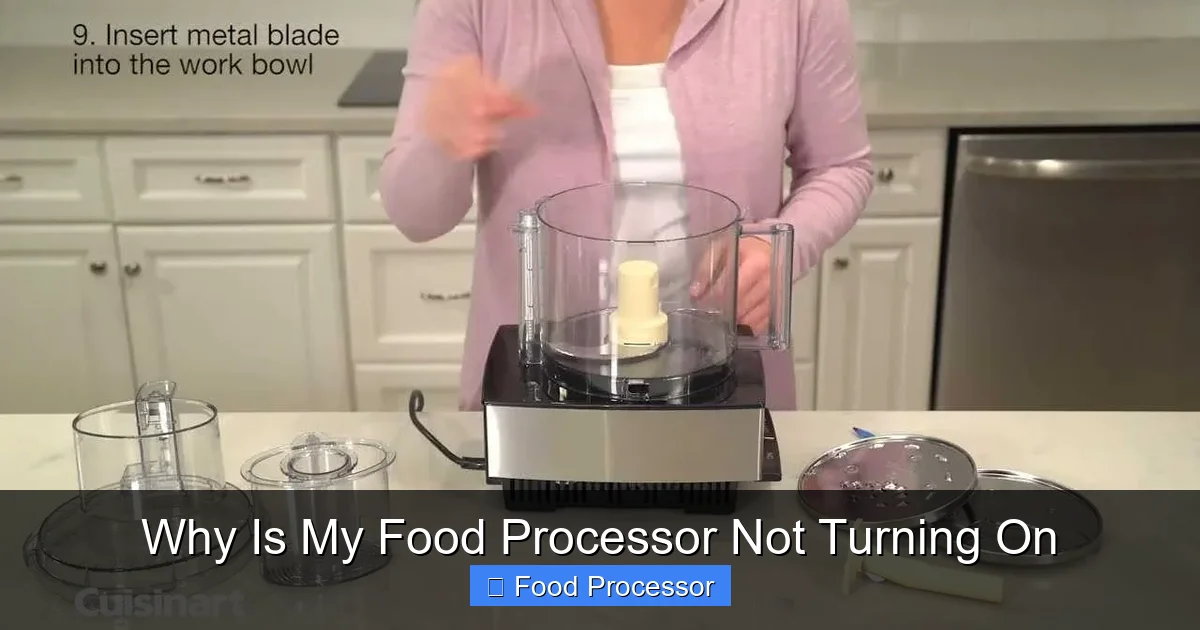
Facing a dead food processor? Don’t fret! The most common reasons your food processor isn’t turning on include power supply problems, incorrect assembly, or safety mechanism engagement. This guide walks you through simple checks, from confirming the outlet to properly securing the bowl and lid, helping you diagnose and potentially fix the issue yourself. Understanding these common culprits can save you time and frustration, getting your appliance back in action.
Why Is My Food Processor Not Turning On
There’s nothing quite as frustrating as being in the middle of a recipe, ready to chop, slice, or puree, only to find your trusty food processor stubbornly refuses to spring to life. You press the button, but nothing happens. No whir, no hum, just silence. This common kitchen dilemma can bring your cooking plans to a screeching halt. But don’t worry, in many cases, the solution is simpler than you might think.
This comprehensive guide will walk you through all the common reasons why your food processor isn’t turning on. We will explore everything from basic power supply checks to understanding intricate safety features and potential mechanical issues. By following our clear, step-by-step instructions, you will learn how to diagnose the problem effectively and, hopefully, get your food processor back in working order. Our goal is to empower you to troubleshoot this frustrating issue with confidence, saving you time, money, and the hassle of a broken appliance. Let’s get started and figure out why your food processor has gone silent.
Key Takeaways
- Start with the Basics: Always check your power source first. Ensure the food processor is correctly plugged into a working outlet and that no circuit breakers have tripped.
- Proper Assembly is Paramount: Food processors have strict safety interlocks. The most frequent reason for a food processor not turning on is incorrect assembly of the bowl, lid, or blade.
- Understand Safety Mechanisms: Overload protection and thermal cut-offs are designed to prevent damage. If your food processor suddenly stops or won’t start after heavy use, it might need time to cool down and reset.
- Inspect the Power Cord and Plug: Visually examine the cord for damage, fraying, or loose connections, which can prevent power from reaching the motor.
- Consult Your User Manual: Your specific food processor model may have unique assembly instructions or troubleshooting tips. Keep your manual handy as a first point of reference.
- Avoid Overfilling: Pushing your food processor beyond its capacity can trigger overload protection and may even damage the motor over time.
- When to Seek Professional Help: If you’ve tried all basic troubleshooting steps and your food processor still won’t turn on, it might indicate a deeper electrical or motor issue requiring professional repair or replacement.
Safety First! Before You Begin Any Troubleshooting
Before you start poking around your food processor, remember that safety is paramount. You are dealing with an electrical appliance, and caution is always necessary.
Always Unplug the Appliance
The very first step for any troubleshooting involving an electrical appliance is to unplug it from the power outlet. This eliminates the risk of electric shock and prevents accidental activation while you are inspecting components. Make this a non-negotiable rule.
Read Your User Manual
While this guide covers general troubleshooting, every food processor model can have unique features, assembly requirements, and safety mechanisms. Your user manual is an invaluable resource. It can provide specific instructions for assembly, troubleshooting tips, and safety warnings pertinent to your particular model. Keep it handy as you go through these steps.
Step 1: Is It Plugged In? Checking the Power Source
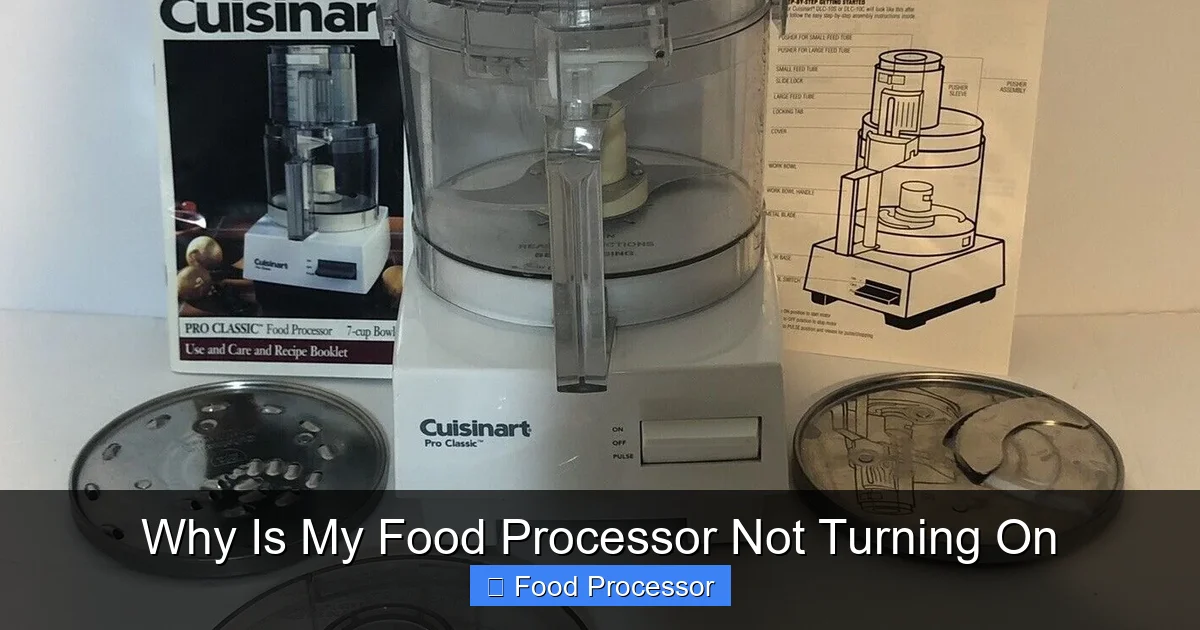
Visual guide about Why Is My Food Processor Not Turning On
Image source: i.ebayimg.com
It sounds incredibly obvious, doesn’t it? But you’d be surprised how often a food processor not turning on boils down to a simple power issue. This is always the first place to start.
Check the Outlet
First, confirm that the food processor is securely plugged into a functioning electrical outlet. Sometimes, a plug can work itself loose or wasn’t pushed in all the way to begin with.
Try a Different Outlet
If the plug seems secure, try plugging the food processor into a different, known-working outlet. To test the outlet, you can plug in another small appliance, like a phone charger or a lamp, to see if it receives power. If other appliances also don’t work in that outlet, the problem is with the outlet itself, not your food processor.
Inspect the Power Cord and Plug
Carefully examine the power cord for any signs of damage. Look for frayed wires, cuts, kinks, or exposed insulation. A damaged cord is not only a common reason why a food processor won’t turn on but also a significant safety hazard.
Check the Plug Prongs
Examine the prongs on the plug itself. Are they bent, broken, or discolored? Any damage here could prevent proper electrical contact. If you find significant damage to the cord or plug, do not attempt to use the food processor. It may need a replacement cord or professional repair.
Look for Tripped Breakers or Blown Fuses
Kitchen outlets are often on dedicated circuits, and powerful appliances like food processors can sometimes trip a circuit breaker if there’s an overload.
Check Your Electrical Panel
Go to your home’s electrical service panel. Look for any circuit breakers that are in the “OFF” position or halfway between “ON” and “OFF.” If you find a tripped breaker, switch it completely off and then firmly back to the “ON” position. If your home uses fuses, check if any fuses have blown. Replace a blown fuse with one of the correct amperage. If the breaker trips again immediately after resetting, there might be a more serious electrical issue that requires an electrician.
Step 2: Assembly Matters – Understanding Safety Interlocks
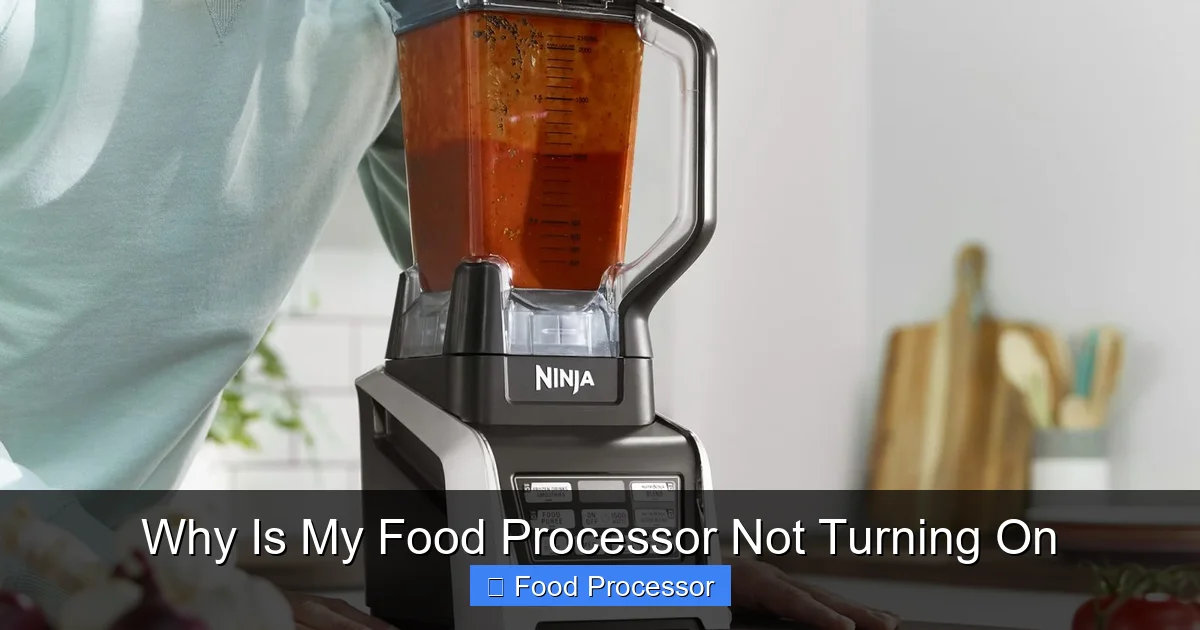
Visual guide about Why Is My Food Processor Not Turning On
Image source: storables.com
Modern food processors are designed with multiple safety features to prevent accidental injury. The most common reason a food processor isn’t turning on, even with power, is improper assembly. The machine simply won’t operate unless all components are correctly locked into place.
Bowl and Lid Position
Almost every food processor has a safety interlock system that requires the work bowl and its lid to be securely locked into their correct operating positions. If they aren’t, the motor won’t engage.
Ensure the Bowl is Locked
Place the work bowl onto the motor base and twist it clockwise until you hear a click or feel it firmly lock into place. There are usually markings on the bowl and base to guide you. If the bowl isn’t properly seated, your food processor won’t start.
Secure the Lid Correctly
Once the bowl is in place, attach the lid. Like the bowl, the lid also needs to be twisted clockwise and locked. Many lids have a locking tab that must align with a slot on the motor base or bowl. Sometimes, a simple click or a visible alignment marker will confirm it’s secure. This is a critical safety step to ensure the food processor functions properly. If your Cuisinart food processor is not working, for instance, often the lid isn’t fully locked.
Blade and Disc Placement
The blades and discs inside the food processor also play a role in the safety interlock system.
Correctly Attach the Blade/Disc
Ensure the blade or disc attachment is correctly placed onto the central shaft inside the work bowl. It should slide down easily and sit flat. If it’s crooked or not fully seated, it can prevent the lid from locking properly, which in turn means your food processor won’t turn on. If you’re encountering issues with the blade specifically, you might find it helpful to learn more about how to fix a food processor that is not turning on, as blade issues can sometimes be intertwined with the machine not starting at all. You can also review how to assemble a food processor step by step to ensure all components are placed correctly.
Feed Chute and Pusher
Some food processor models also incorporate a safety interlock within the feed chute or require the food pusher to be in place for operation.
Insert the Pusher
For certain models, particularly those with smaller feed chutes, the food pusher must be inserted into the chute before the food processor will power on. Check your manual to see if this applies to your specific model.
Step 3: The Overload Protector – A Hidden Hero
Food processors are powerful tools, but they can be overwhelmed. To prevent damage to the motor from overworking, most models include an overload protection system. If your food processor suddenly stopped working or won’t turn on after a period of heavy use, this is a likely culprit.
Why Overload Protection Activates
Overload protection kicks in when:
- You’ve processed too much food at once (overfilling the bowl).
- The food you’re processing is too dense or hard for the motor to handle (e.g., trying to grind large chunks of ice or very tough root vegetables without pre-cutting them).
- The machine has been running continuously for too long and has overheated.
This safety feature is designed to protect the motor from burning out, which is a much more serious and costly problem.
How to Reset the Overload Protection
If the overload protection has been activated, your food processor will refuse to turn on. Here’s how to reset it:
- Unplug the Food Processor: Always disconnect power first.
- Remove Food and Disassemble: Take out any remaining food from the work bowl and completely disassemble the food processor (remove the lid, blade, and bowl).
- Let it Cool Down: This is the most crucial step. The motor needs to cool. Depending on how long it was used or how severely it was overloaded, this could take anywhere from 15 minutes to an hour or even more. Some manufacturers recommend up to two hours.
- Locate the Reset Button (if applicable): Some food processor models have a dedicated “reset” button, usually located on the bottom or back of the motor base. If yours has one, press it after the cooling period. If not, simply allowing it to cool is usually enough to reset the internal thermal switch.
- Reassemble and Test: Once cooled, carefully reassemble the food processor, ensuring all safety interlocks are correctly engaged. Then, plug it back in and try to turn it on with a small amount of lighter food, or no food at all, to test.
Remember, an overload trip is a warning. Adjust your processing habits (process smaller batches, cut food into smaller pieces) to prevent it from happening frequently.
Step 4: Motor Issues and Mechanical Faults
If you’ve checked the power, confirmed proper assembly, and ruled out overload, the problem might lie deeper within the motor or internal components. These issues are less common for a food processor not turning on, but they can happen.
Overheating (Beyond Overload)
While related to overload, sometimes a motor can overheat even without a significant jam, especially if the appliance is old or has been used extensively over its lifetime. The internal thermal fuse or switch might have tripped, and simply needs time to cool down. Follow the cooling steps mentioned in the overload section.
Jammed Motor or Drive Shaft
Sometimes, a piece of food or debris might get lodged in the motor housing or around the drive shaft beneath the work bowl. This can prevent the motor from turning, even if power is supplied.
Inspect for Obstructions
With the unit unplugged and disassembled, carefully inspect the area where the drive shaft connects to the motor base. Look for any food particles, broken plastic, or other foreign objects that might be jamming the mechanism. Remove any obstructions gently. Do not force anything.
Worn Carbon Brushes (For some DC motors)
Some food processors, particularly older or professional models, use DC motors that have carbon brushes. These brushes wear down over time. If they are completely worn, the motor won’t receive power and the food processor won’t turn on. This is a more advanced repair and usually requires opening the motor housing, which should only be done by someone with electrical appliance repair experience.
Step 5: The Control Panel – Buttons and Switches
While less common, sometimes the issue lies directly with the control panel itself – the buttons or switches you use to operate the food processor.
Sticky or Damaged Buttons
Over time, food residue or wear and tear can cause buttons to become sticky or unresponsive. Try pressing the “ON” or “PULSE” button several times, firmly but gently, to see if it responds.
Faulty Internal Wiring
Internal wiring connecting the power switch to the motor can sometimes become loose or corroded. This is usually not something you can easily inspect or fix yourself without disassembling the unit. If you’ve tried everything else and your food processor still refuses to turn on, a faulty switch or internal wiring could be the cause.
Step 6: When All Else Fails – Seeking Professional Help or Replacement
You’ve systematically gone through all the troubleshooting steps. You’ve checked the power, meticulously ensured correct assembly, allowed for cooling, and inspected for visible obstructions. Yet, your food processor remains stubbornly unresponsive. At this point, it’s time to consider that the problem might be beyond a simple DIY fix.
Consult a Repair Technician
If you suspect a deeper electrical or mechanical issue, such as a burnt-out motor, a faulty circuit board, or internal wiring problems, it’s best to consult a qualified appliance repair technician. They have the expertise and specialized tools to diagnose and safely fix complex internal issues. Attempting to repair internal electrical components yourself without proper knowledge can be dangerous and may cause further damage to the appliance. Sometimes, fixing a food processor can be quite straightforward if you know what to look for, but other times it requires a professional touch. For a more general overview of resolving issues, you might consult resources like food processor stopped working how to fix it.
Consider Replacement
Unfortunately, for many modern food processors, especially entry-to-mid-range models, the cost of professional repair can sometimes approach or even exceed the cost of buying a new unit. If your food processor is old, frequently breaks down, or the repair estimate is high, replacement might be the more economical and practical option. Before making a decision, research the cost of new food processors and weigh it against the repair estimate. If you’re wondering what to do if your food processor won’t turn on and all these steps fail, replacement is a valid next step.
Conclusion
A food processor that won’t turn on can certainly put a damper on your kitchen creativity. However, by systematically checking the power supply, ensuring correct assembly, understanding safety mechanisms like overload protection, and inspecting for common mechanical issues, you can often diagnose and resolve the problem yourself. Remember to always prioritize safety by unplugging the unit before any inspection. Most issues are minor and easily fixable, getting your essential kitchen assistant back in action quickly. If, after following all these steps, your food processor still remains unresponsive, it might be time to consider professional repair or even an upgrade. Happy processing!
