

OK, let's settle it: do creators use high refresh rate monitors? The honest answer is yes, but only certain types. If you edit video, animate, stream, or build 3D scenes, a 144Hz panel genuinely changes how your software feels.
If you only retouch still photos, the refresh rate barely matters.
In our research, the typical creative pro still works on a 60Hz color-critical panel. But the middle ground is growing. As of 2026, 1440p 144Hz IPS monitors with strong sRGB coverage are priced well enough that you don't have to sacrifice color for smoothness.
That sweet spot is what most creators land on, and it starts with one simple question.
Quick Answer: Yes, But It Depends on the Creator
Creators use high refresh rate monitors when the job involves motion. Video editors, streamers, animators, and 3D artists notice the difference almost immediately. Photo editors and print designers can stay at 60Hz without losing anything.
The deciding question is simple. Do you move things on screen faster than your eye can track? Then high refresh helps.
If not, you won't see the benefit.
Image source: Bing (Web (fair-use with source credit))
A dual monitor setup often solves the split. You keep one color-accurate panel for your final-pixel work, then add a high refresh display for the interactive stuff. That pattern is common in editing bays and streamer studios.
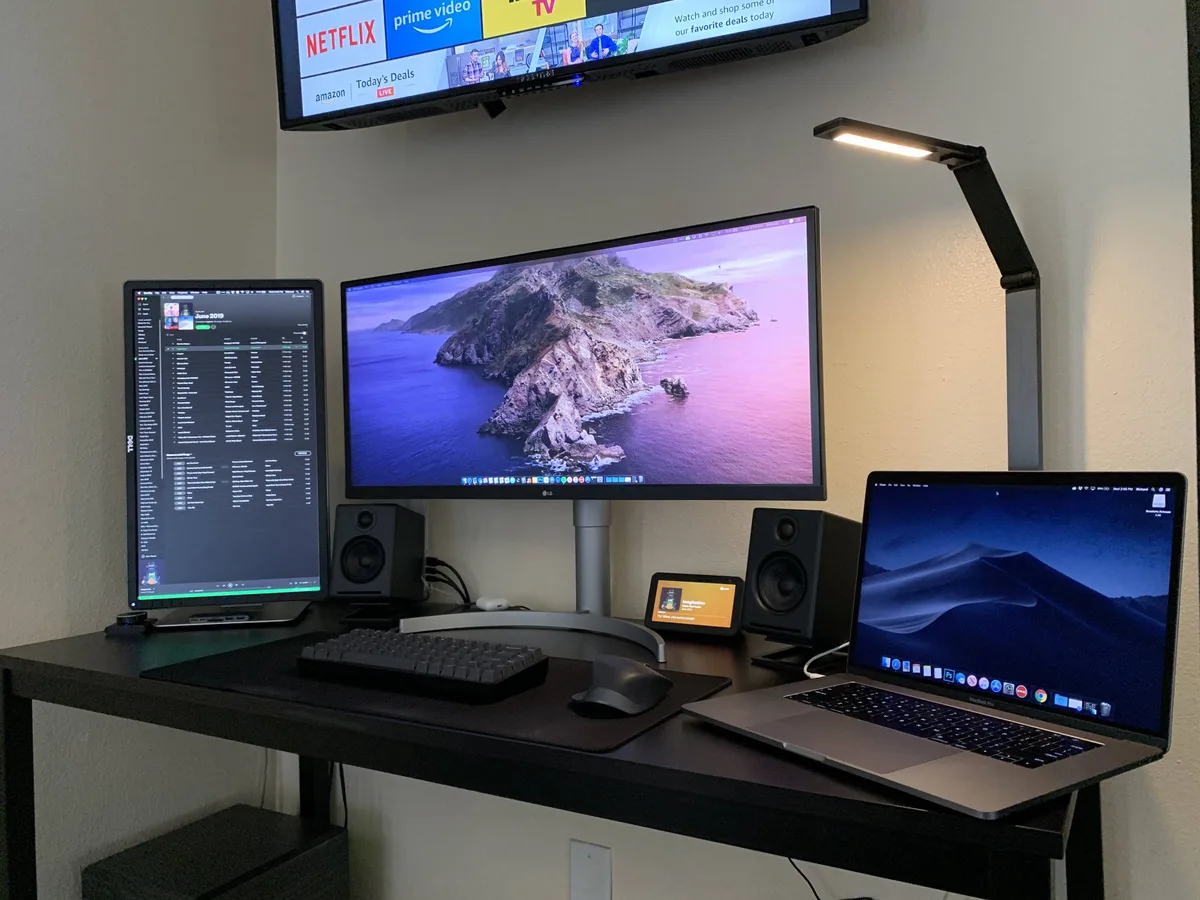
Image source: Bing (Web (fair-use with source credit))
Here's the short version:
- Motion-heavy creators feel the upgrade right away.
- Still-image creators notice almost nothing.
- Hybrid creators get the most value from a 144Hz IPS panel.
If you don't have room for two full-size monitors, a portable secondary screen can handle chat, assets, or reference windows. Just know that many compact panels cap out at 60Hz.
What Actually Matters for Creative Work
Refresh rate is only one piece. Before you chase 144Hz, you need to understand why color accuracy, resolution, and panel type matter just as much.
Color gamut is the reachable range of colors a display can show. sRGB is the baseline for web work. DCI-P3 is the standard for video and streaming. Adobe RGB helps with print editing.
A factory calibration report is a good sign, and a Delta E under 2 means the display is accurate enough for color-critical work.
Resolution matters when you're checking fine detail. 4K is useful, but a 1440p panel at 144Hz often balances clarity and smoothness better for most creative workflows.
Panel type matters too. IPS remains the go-to for creators because it combines wide viewing angles with modern high refresh rates. TN panels are fast but weak on color.
VA panels offer strong contrast but can smear in dark scenes.
| Panel type | Strengths | Weaknesses | Best for |
|---|---|---|---|
| IPS | Wide viewing angles, accurate color, 144Hz common | Slight backlight bleed, slower than TN | Most creative work |
| TN | Fastest response, cheapest | Poor color, bad off-angle | Competitive gaming only |
| VA | High contrast, decent color | Dark smearing, viewing angle shift | Mixed media and budget users |
| OLED | Perfect blacks, fast response, great color | Burn-in risk, high price | Color pros who also game |
The Video Electronics Standards Association (VESA) publishes the AdaptiveSync and DisplayHDR specs that define variable refresh rate and HDR performance. You can check the official VESA specifications for exact tier names.
If your laptop can't actually push those frames, the monitor's refresh rate doesn't matter. That's why work-from-home laptop specs need to cover GPU output, not just RAM and storage.
If you're tempted by a large television instead, keep in mind that most budget 43-inch TVs either use motion smoothing or support only 60Hz inputs. Read the port spec carefully before you buy. In practice, a 1440p 144Hz IPS panel checks most of these boxes at once.
What the Numbers Really Mean
Refresh rate is how many times the monitor redraws the screen each second, measured in hertz (Hz). Frame rate is how many images your source device or video file produces each second. They are different numbers, and they don't have to match.
A 144Hz monitor displays a 24fps film at 24 frames per second. It just refreshes the screen between frames, which changes how scrolling, cursor movement, and dragging feel.
| Refresh rate | Time between frames | Typical creative use |
|---|---|---|
| 60Hz | 16.7ms | Color work, still images, office |
| 120Hz | 8.3ms | Timeline playback, mixed creative |
| 144Hz | 6.9ms | Motion design, 3D, streaming |
| 240Hz | 4.2ms | Competitive gaming, fast motion tests |
| 360Hz | 2.8ms | Esports, niche use |
For context, many gaming monitors push 240Hz or even 360Hz. For creators, 144Hz is the practical ceiling. Anything beyond that targets competitive gamers, not production workflows.
Refresh Rate vs. Frame Rate
If your GPU only outputs 40 frames per second, a 144Hz monitor won't create smoothness out of nowhere. The panel can redraw at 144Hz, but it still has to wait for the next frame from the source.
That's why a desktop GPU makes high refresh easier. If you're shopping for a laptop, work and gaming laptops with a discrete GPU do a much better job of driving 1440p at 144Hz.
Response Time vs. Input Lag
Response time is how fast a pixel changes color. Input lag is how long the monitor takes to show a signal after receiving it. They get confused constantly.
A slow response time creates ghosting. High input lag makes the cursor feel heavy. A good 144Hz IPS monitor usually sits around 3 to 5ms response time, which is fine for creative work.
Which Creators Benefit Most from High Refresh Rate
The clearest gains show up in workflows that constantly redraw the screen. Here's a quick breakdown.
| Workflow | Sample tasks | Does 144Hz help? |
|---|---|---|
| Video editing | Timeline scrubbing, multi-cam preview | Noticeable |
| Motion graphics | Keyframes, curves, animation previews | Very noticeable |
| 3D and VFX | Viewport rotation, sculpting, compositing | Very noticeable |
| Streaming | Overlays, chat movement, game capture | Noticeable |
| Graphic design | Panning, zooming, vector work | Mild |
| Photo retouching | Culling, brush work, color grading | Minimal |
Video editors see the difference while scrubbing timelines. The playhead moves smoothly instead of jumping. Motion designers feel it when dragging keyframes because curves update in real time.
3D artists notice it most during viewport rotation. Sculpting and texture painting feel more direct when the view responds faster. Streamers also benefit from lower input lag in preview windows, which makes chat and overlay reactions feel tighter.
Graphic designers get a mild benefit from fluid zoom and pan. Photo editors get almost none, because cursor speed depends more on your system than your refresh rate.
Many creators keep one calibrated display for final color and add a high refresh panel for motion previews. A portable USB-C panel works for asset windows, but budget models often cap at 60Hz.
Where High Refresh Rate Is a Waste of Money
If your workflow is static, high refresh is not worth the premium. Photo retouchers, print designers, illustrators working on still frames, and digital painters who never animate fall into this group.
Your deliverable doesn't display at 144Hz. A print file or JPEG is static. The only smoothness you'd get is inside the application interface, and that's minor.
Color-critical professionals often prefer 60Hz monitors with factory calibration. A high refresh panel with exaggerated saturation will cause more problems than it solves.
As of 2026, the best value for most creators is a 1440p 144Hz IPS monitor with 95% DCI-P3 or full sRGB coverage. Avoid cheap gaming monitors that push refresh rate but miss the color accuracy.
Mac users managing color-managed output can also stick with 60Hz without losing anything. The monitor is not the bottleneck if the workflow is still frames.
